1
Specifications
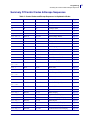
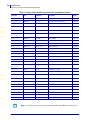
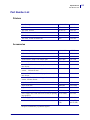
Part Number List
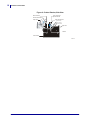
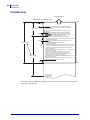
36.5
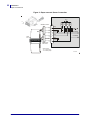
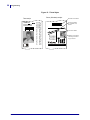
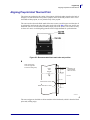
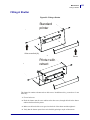
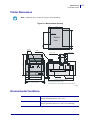
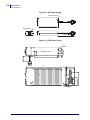
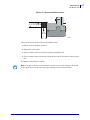
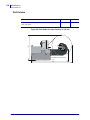
Figure 27 • Retract and Retain Version
Receipt exit
on same height
as normal printer
Exit to
wastebasket
38
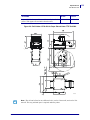
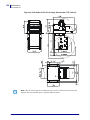
All measurements are in mm
SW00009
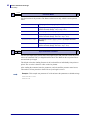
Choose between four modes in the default parameter setup:
1. Retract when new printout is printed.
2. Retract after a preset time.
3. Eject to customer when new printout is printed (wastebasket off).
4. Eject to customer when new printout is printed, but retract if not collected within a preset
time.
No additional commands are required.
Note • Use paper rolls with an inner diameter of 40 mm or more when using the "retract and
retain" option to prevent the curl in the paper causing a jam in the retract function.
10/05/2009
TTP 7030™ Technical Manual
P1003636-002
117