1
Chapter 6 - Working with Historical Data
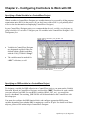
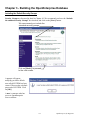
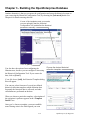
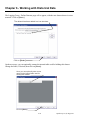
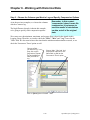
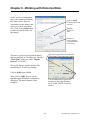
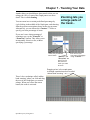
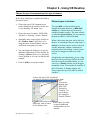
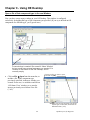
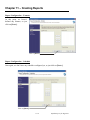
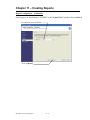
When finished with the Logging Group - Name Fields page, click on the [Next >] push button.
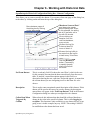
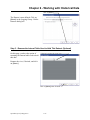
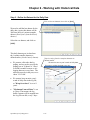
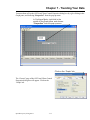
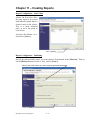
Step 4. - Define the Dataset
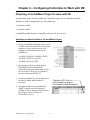
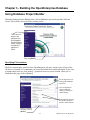
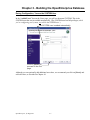
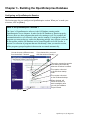
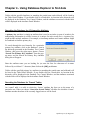
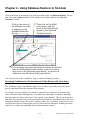
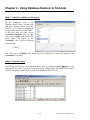
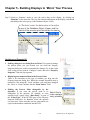
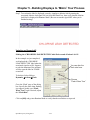
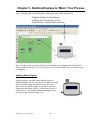
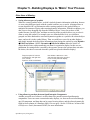
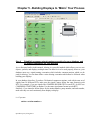
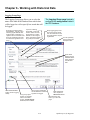
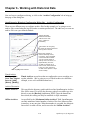
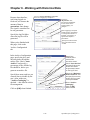
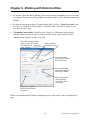
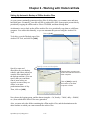
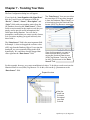
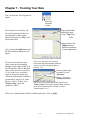
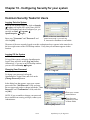
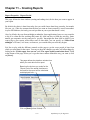
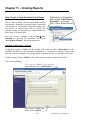
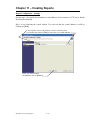
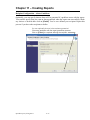
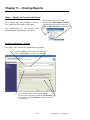
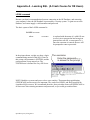
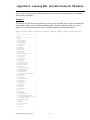
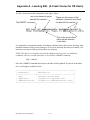
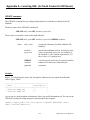
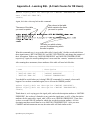
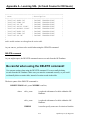
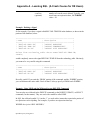
Logging Group - Define Datasets Page
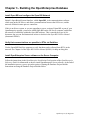
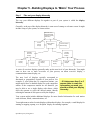
A Dataset is nothing more than a set of data collected from a
particular logging group. There are one or more datasets
associated with each logging group.
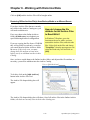
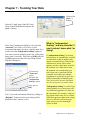
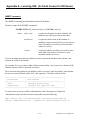
REMINDER – A ‘dataset’
is just a collection of
data from a particular
logging group.
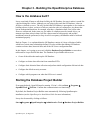
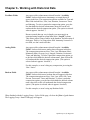
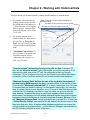
Each dataset will contain the same set of data objects (normally signals), but the compression
will be different. For example, one may contain raw values (samples), another may contain 15
minute averages and totals, etc.
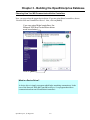
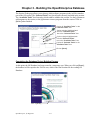
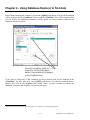
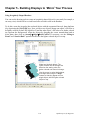
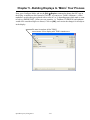
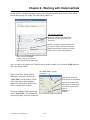
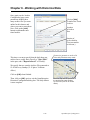
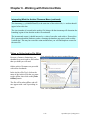
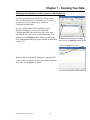
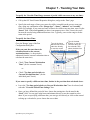
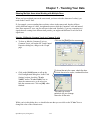
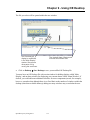
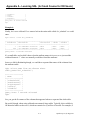
Click here to add
a new dataset.
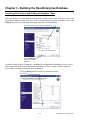
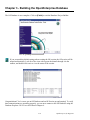
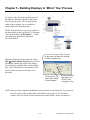
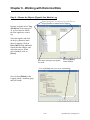
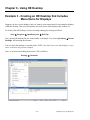
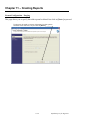
Click on the [Add] push button, and the Dataset Configuration dialog box will appear.
6-22
OpenEnterprise for Beginners