1
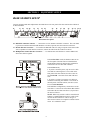
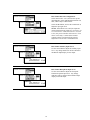
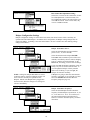
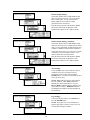
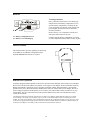
Base Station Intercom Configuration:
Select intercom IC1 or IC2, then use the up and
down buttons to select what Mode the intercom is in;
OFF, 4-Wire Only or 2-Wire/4-Wire.
Select the IC Lvl box, and use the control knob to
adjust the input gain level.
NOTE: If the Mode is set to Off, the input and
output of that intercom will be off. For 2-wire, set
to “2-wire/4-wire.” Both will be active. If set for
4-wire, only 4-wire interface will be active. Even
when “4-wire only” is selected, the line null
control(s) on the rear panel must be properly
adjusted to avoid excessive retransmit levels.
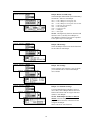
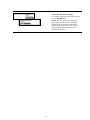
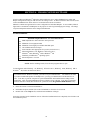
Base Station Auxiliary Input Level:
Use the control knob to adjust the auxiliary input
level. Any change made here will be reflected in
the Monitor Input display for Aux Input.
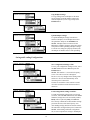
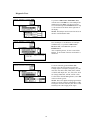
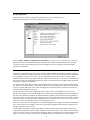
Base Station Microphone Input Level:
Use the control knob to adjust the front-panel
headset microphone input level. Any change
made here will be reflected in the Monitor Input
display for the Mic Input.
18