1
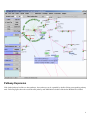
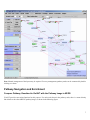
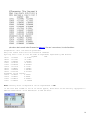
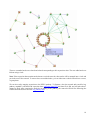
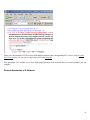
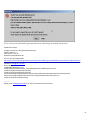
A confirmation window will be popped out, select "Y" will add selected nodes to the metanode, as shown above.
Note: if one of the selected nodes belongs to a metanode which is not selected, VisANT will ignore this functionality.
Note: to add a node already belongs to a metanode to another metanode, duplicate the node first, and then drag the
duplicated instance to the target metanode.
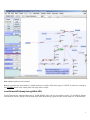
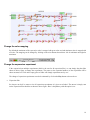
Update KEGG Pathway
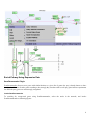
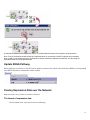
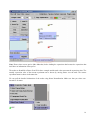
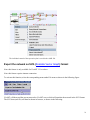
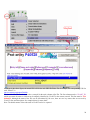
KEGG pathways saved before in VisANT can be updated as shown below, which will load the latest KGML of corresponding
from KEGG and all user customization will be retained.
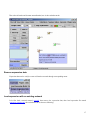
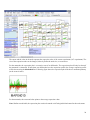
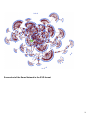
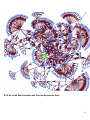
Overlay Expression Data over the Network
Note: this feature is only available for VisANT2.5 and above
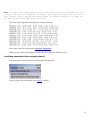
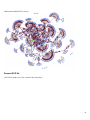
The format of expression data
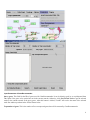
The full format of the expression is shown as following:
13