1
AXF
Programming manual
File Format
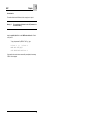
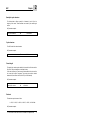
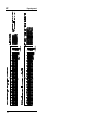
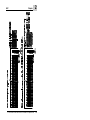
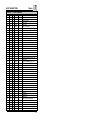
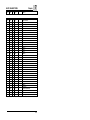
The @AXF string is used to indicate the start of the parameter file. Any other
comment without any restriction may be written on the file before this string.
After @AXF, the order of the parameters, and the number of data is very
important and must not be changed. After @AXF, comments are allowed IF
they don't use characters between 30H and 47H . That mean that comment
written in lowercase characters are allowed.
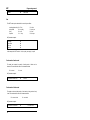
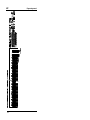
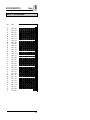
The string @MASK 48 TRACKS is used as separator and to indicates the
format for the mask. The format may be either 00 (no mask), 12, 40 or 48 tracks
after the last bit of the mask, the string @END must follow without any other
character
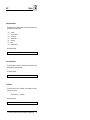
Normal start up
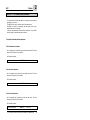
Transferring the " AXF Parameters "
The AXF parameter software loaded with firmware (refer to Transferring
"Firmware" from user manual), runs with parameters that were sent as a file to
the reader. They stay in memory until the next transfer of a new parameter file.
When first installing an reader using AXF, the parameter file must be
transferred. A simple COPY allows you to send this file to the reader.
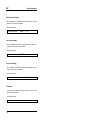
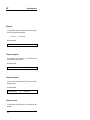
Transferring the DEFAULT.AXF parameter file to the reader.
Switch the reader on ( switch ON ) and press the START-button as soon as the
reader displays "MAN xVx". Hold the button pressed down until the reader
displays "PARAM". The reader is now ready to receive new parameters.
2