1
Source-Navigator demonstration
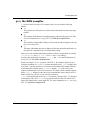
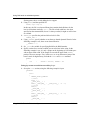
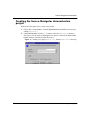
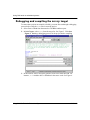
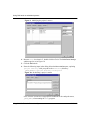
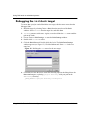
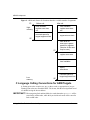
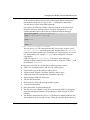
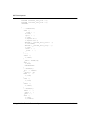
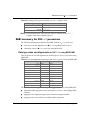
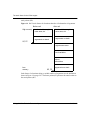
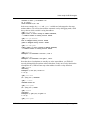
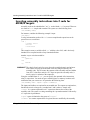
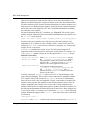
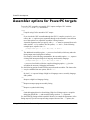
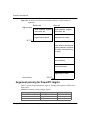
Figure 16: Defining the path for the new target
Now, GNUPro Toolkit uses an appropriate definition for the card pack when
running the monop program.
7. Click OK to close the Build Rules Settings window. Click OK to close the
Edit Target window. Click Done to close the Build Settings window, having
modified the target for the project.
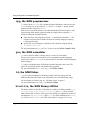
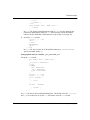
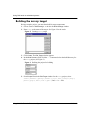
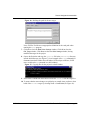
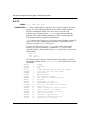
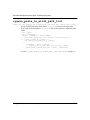
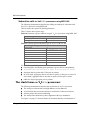
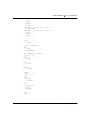
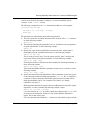
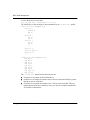
8. Open a shell window and copy the cards.inp file in the demos\monop directory
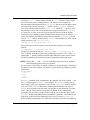
into the build directory (see Figure 17 for an example of the copy command in a
Command.com shell window that a Windows NT developer could use; UNIX
users would use the cp command in a shell window).
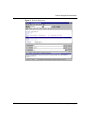
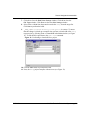
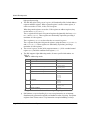
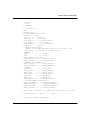
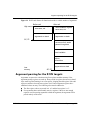
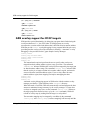
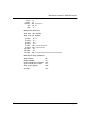
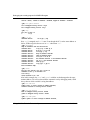
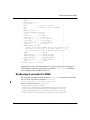
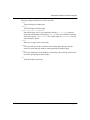
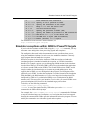
Figure 17: Copying files for the project in a shell window
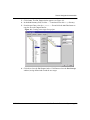
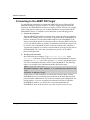
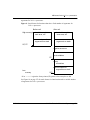
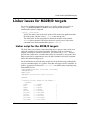
9. Select Tools -> Build from the menu bar and select initdeck from the target list.
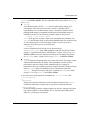
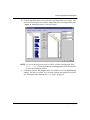
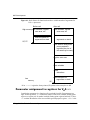
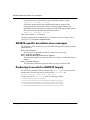
10. To ensure that the macro changes are picked up at compile time, perform a clean
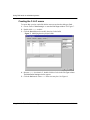
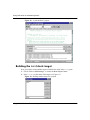
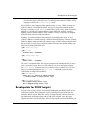
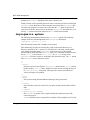
build of the initdeck target by selecting Tools -> Clean Build (see Figure 18).
CYGNUS
GNUPro Tools for Embedded Systems ■ 33