1
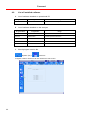
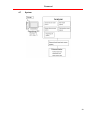
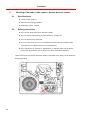
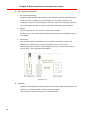
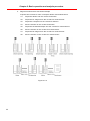
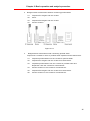
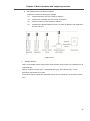
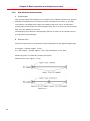
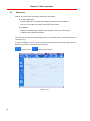
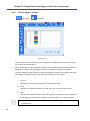
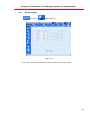
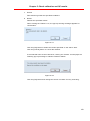
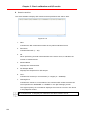
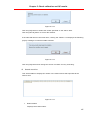
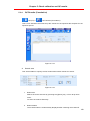
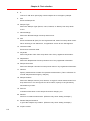
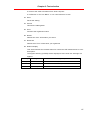
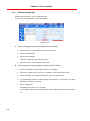
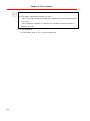
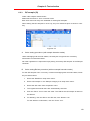
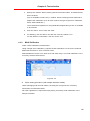
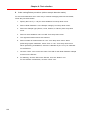
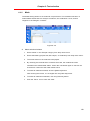
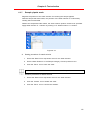
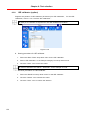
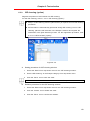
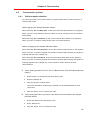
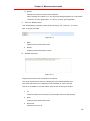
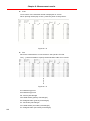
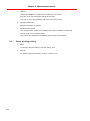
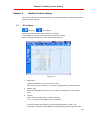
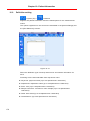
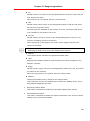
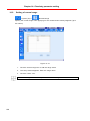
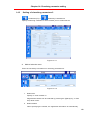
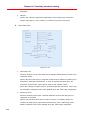
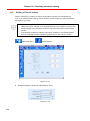
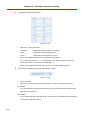
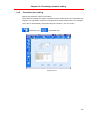
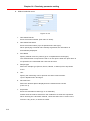
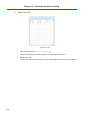
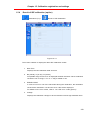
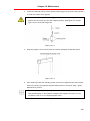
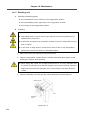
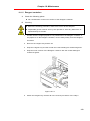
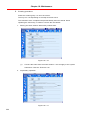
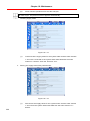
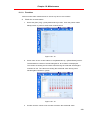
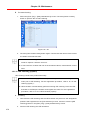
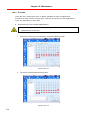
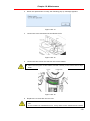
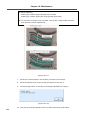
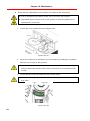
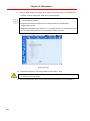
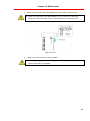
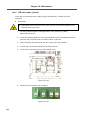
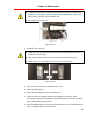
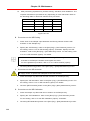
Chapter 18: Maintenance 3. When the replacement is ready, the following pop-up message appears. Figure 18.2-14 4. Loosen the screw and dismount the Mosaic DTR. Figure 18.2-15 5. Loosen the two screws and remove the cuvette holder. When removing the cuvette holder, handle carefully in the screws not to drop them. Figure 18.2-16 6. Replace the cuvette with the new one. The new cuvette needs to be rinsed with the diluted wash solution C -1 before use. If the cuvette not rinsed before use, it may effect on the measurement results 279