1
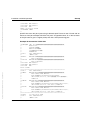
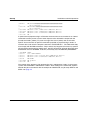
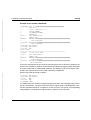
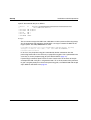
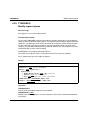
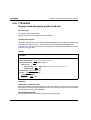
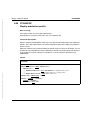
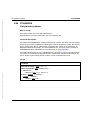
FTDELPRF
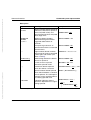
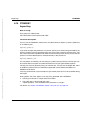
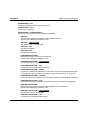
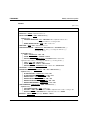
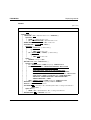
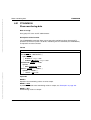
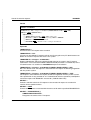
Delete admission profile
The administrator can delete his/her own profiles with this entry. He/She can also use
SELECT-PARAMETER to delete all the admission profiles of a particular user or all the
admission profiles in the system.
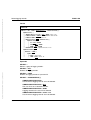
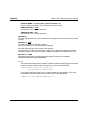
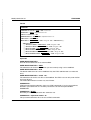
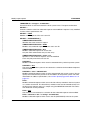
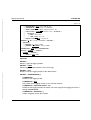
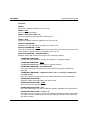
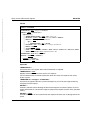
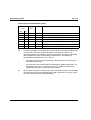
NAME = <alphanum-name 1..8>
Deletes the admission profile with the specified name.
NAME = *STD
Deletes the default admission profile for your own user ID.
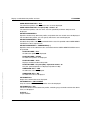
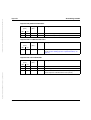
PASSWORD =
You enter the FTAC password which permits you to use FTAC commands with your user ID.
PASSWORD = *NONE
No FTAC password is required.
PASSWORD = <alphanum-name 1..8>
Specifies the corresponding FTAC password.
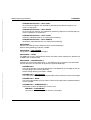
If the FTAC administrator has defined an FTAC password, then this password must be
entered here if he/she wishes to delete the profiles of other users.
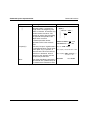
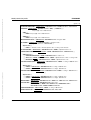
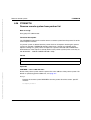
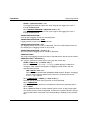
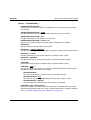
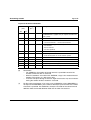
SELECT-PARAMETER =
You can enter selection criteria for the admission profiles to be deleted.
FTAC users can address the admission profiles to be deleted using their TRANSFER
ADMSSION.
FTAC administrators can address the admission profiles to be deleted using their
TRANSFER ADMISSION or OWNER IDENTIFICATION.
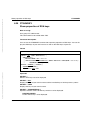
SELECT-PARAMETER = *OWN
Deletes your own admission profiles.
SELECT-PARAMETER = *PARAMETERS(...)
With this structure, you can enter individual selection criteria.
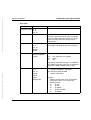
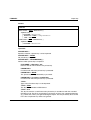
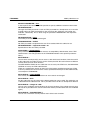
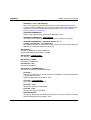
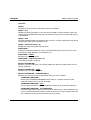
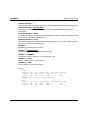
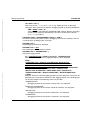
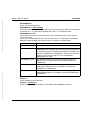
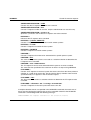
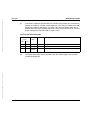
TRANSFER-ADMISSION =
You can use the transfer admission of an admission profile as a selection criterion for
deletion.
TRANSFER-ADMISSION = *ALL
Deletes admission profiles irrespective of the TRANSFER-ADMISSION.
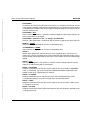
TRANSFER-ADMISSION = *NOT-SPECIFIED
Deletes admission profiles for which no transfer admission is specified.
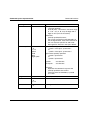
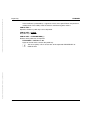
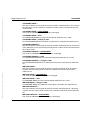
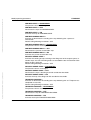
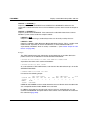
TRANSFER-ADMISSION = <alphanum-name 8..32> / <c-string 8..32 with-low> /
<x-string 15..64>
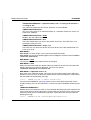
Deletes the admission profile which is accessed with this transfer admission. The alphanumeric entry is always saved in lower-case letters. The FTAC user can only enter the
transfer admissions of his/her own admission profiles.
262
openFT V12.0 for z/OS - System Administrator Guide