1
14. September 2012 Stand 11:44.23
Pfad: P:\FTS-BS\openSEAS\openFT\openFT-V12_1200300\1200314_zOS_Svw\en\adm_zos_e.k06
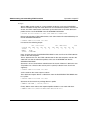
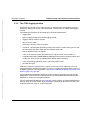
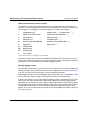
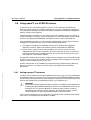
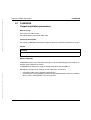
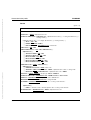
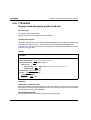
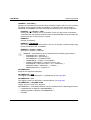
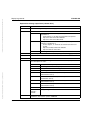
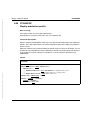
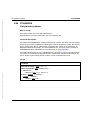
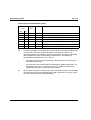
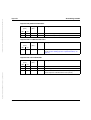
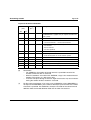
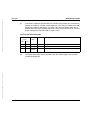
Display admission sets
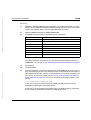
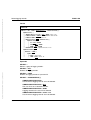
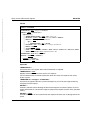
FTSHWADS
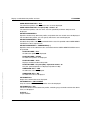
USER-IDENTIFICATION = *ALL
FTAC outputs the default admission set and the admission set of your own user ID.
For the FTAC administrator, all admission sets are output which differ from the default
admission set.
USER-IDENTIFICATION = *STD
FTAC only outputs the default admission set.
USER-IDENTIFICATION = <name 1..8>
FTAC outputs the admission set that belong to the of the user ID specified. The FTAC user
can only enter his/her own user ID here. The FTAC administrator can enter any user ID.
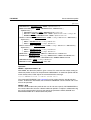
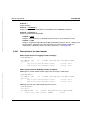
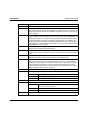
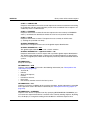
SELECT-PARAMETER = *ALL
This parameter is reserved for future extensions and has no effect in the current version.
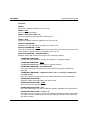
OUTPUT =
Output medium for the information requested.
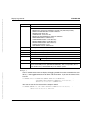
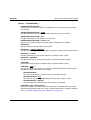
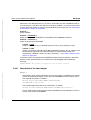
OUTPUT = *STDERR(...)
Output is performed to SYSTSPRT or to SYSERR if this DDNAME is defined. If the
command is called with ftexec from a Unix or Windows system, ftexec sends the output to
stderr.
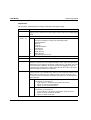
OUTPUT = *STDOUT(...)
Output is performed to SYSPRINT. If the command is called with ftexec from a Unix or
Windows system, ftexec sends the output to stdout.
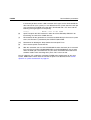
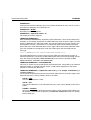
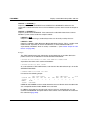
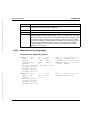
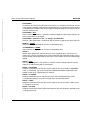
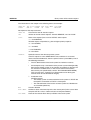
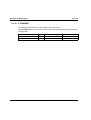
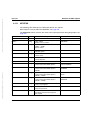
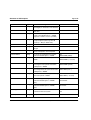
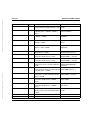
LAYOUT = *CSV
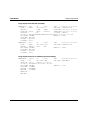
Output is supplied in CSV (Character Separated Values) format. This is a widely used
tabular format, especially in the PC environment, in which individual fields are
separated by a delimiter, which is usually a semicolon “;“ (see section “Output in CSV
format” on page 201).
Dokuschablonen 19x24 Version 7.32de für FrameMaker V7.x vom 28.03.2007
© cognitas GmbH 2001-2007
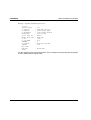
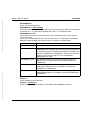
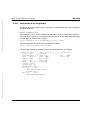
LAYOUT = *STD
Output is formatted using a standard layout that can be easily read by the user.
openFT V12.0 for z/OS - System Administrator Guide
339