1
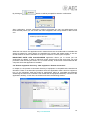
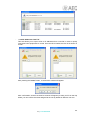
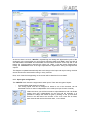
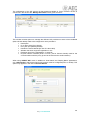
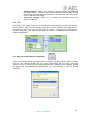
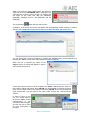
Once the equipments names are confirmed/defined, the application is closed. When you
start it up again, autodiscovering is launched and, after selecting the ones you want to
add, those units will appear available in the application plus the ones added by means
of the text file.
-
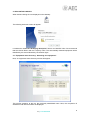
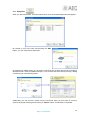
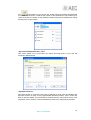
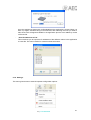
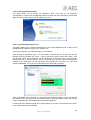
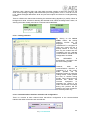
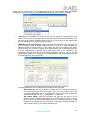
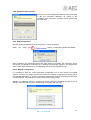
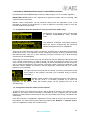
“Save IP Addresses to File”.
This tool allows you to export the IP addresses of the different codecs in the application
to a text file. This can be useful for network maintenance tasks.
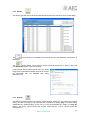
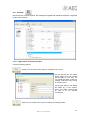
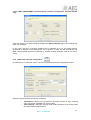
5.1.9. Settings.
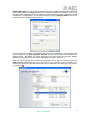
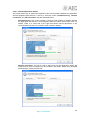
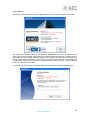
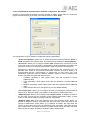
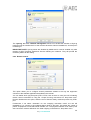
This menu gives access to several important configuration options:
21
AEQ ControlPHOENIX