1
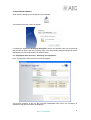
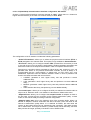
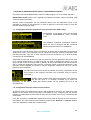
5.1.9.1. General Application Values.
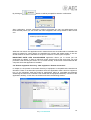
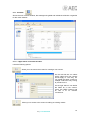
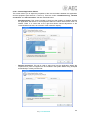
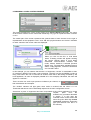
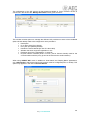
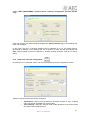
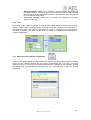
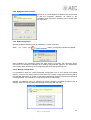
This screen allows you to adjust the properties of the communications between the application
and the equipment (see sections 4.1 and 4.2). There are 3 tabs: “Autodiscovering”, “Remote
connection” and “Net connection” that are described below:
-
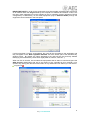
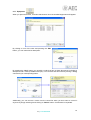
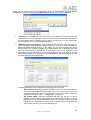
Autodiscovering: This screen includes a check box that enables or disables whether
the application will search for new equipment within the same network each time it is
started. There is a control bar at the right that allows manual adjustment of the
communications timeout, as a function of the networks’ capacity.
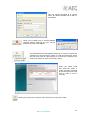
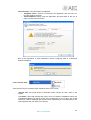
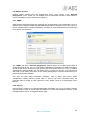
-
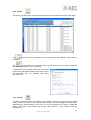
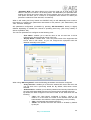
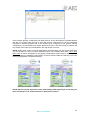
Remote connection: This tab is used to select how long the application delays the
request from a piece of equipment to be included in the system before being accepted
automatically if nobody cancels that.
22
AEQ ControlPHOENIX