1
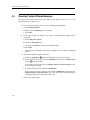
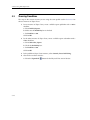
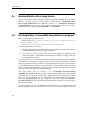
Showing a ‘Samples Rejected’ Scenario
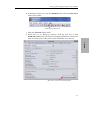
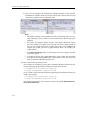
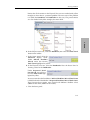
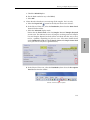
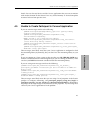
e. Check the Reliability box.
f. For Read method to use, select Take().
g. Select OK.
This profile uses a larger queue size.
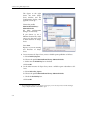
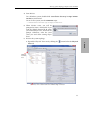
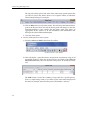
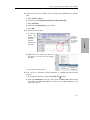
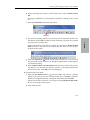
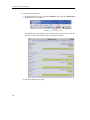
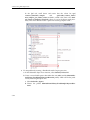
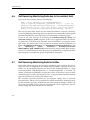
7. Verify the new reader queue size in Monitor:
a. Select the Expand All
button under the Physical View tab.
b. In the Physical View tree, select the DataReader.
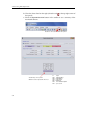
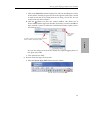
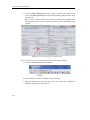
c. In the Status panel that is already open, notice that the Total Count values for
Samples Lost and Samples Rejected are now zero.
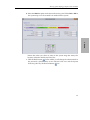
In the DataReader Cache section, notice the values for Sample Count and
Sample Count Peak.
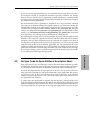
This concludes the demo.
3-25
3. Demo
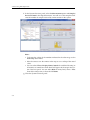
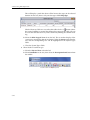
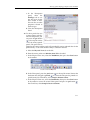
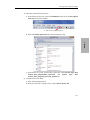
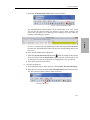
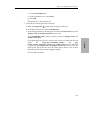
In the Description panel that is already open, notice in the QoS tab that the
values
for
qos/resource_limits/max_samples
and
qos/
reader_resource_limits/max_samples_per_remote_writer are now 100. This
is larger than the SampleCount and Sample Count Peak values seen in the
Status panel. This shows that now the reader queue still has a lot of room
before it becomes full and starts dropping samples.