1
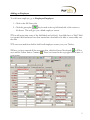
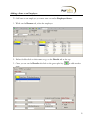
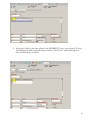
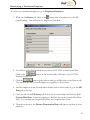
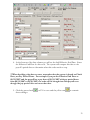
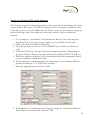
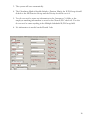
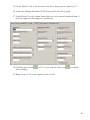
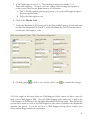
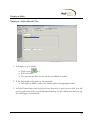
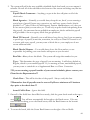
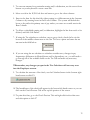
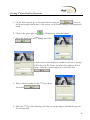
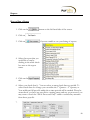
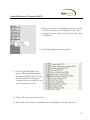
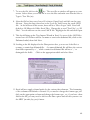
44. To select employees that will be shown in this report or file, click on the employee
tab and check the box next to the employee’s name. If no employees are selected
then the file will run for all employees.
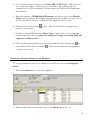
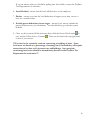
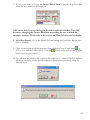
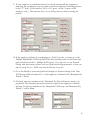
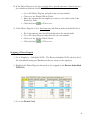
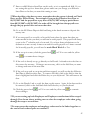
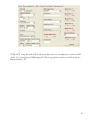
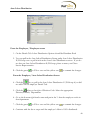
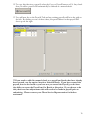
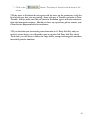
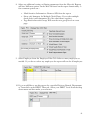
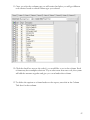
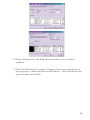
45. To sort the results of the report, Click on the Misc tab. Enter the column numbers
of the columns which you wish to sort on, in the order in which they are to be
sorted, separated by commas. EX: To sort on columns 3, then 4 then 1, enter the
following text in the Sort By box : 3,4,1
NOTE: The Ad hoc Payroll (S1132) report only allows sorting to take place on
DBDT (Division, Branch, Department, Team) .
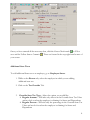
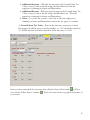
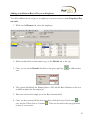
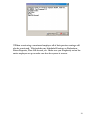
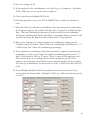
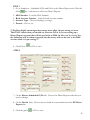
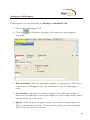
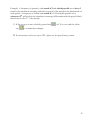
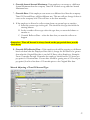
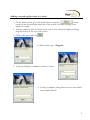
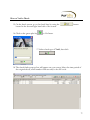
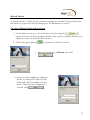
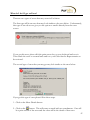
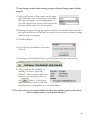
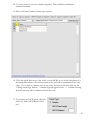
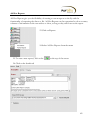
46. To produce an ASCII result, click the check for Print
ASCII Result check box.
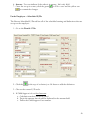
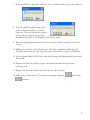
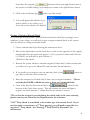
47. If print the column headers box is checked, the first
line in the file will show the captions entered for
each column.
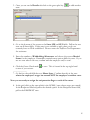
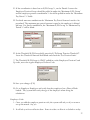
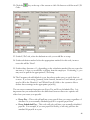
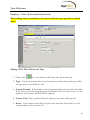
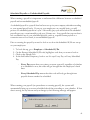
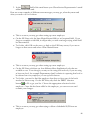
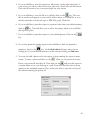
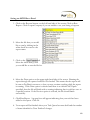
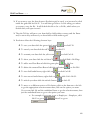
48. If you are making this an ASCII report you will want
to selected delimited or fixed length.
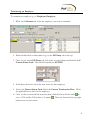
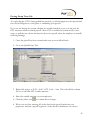
49. If you select delimited, you have the ability
to choose what symbol is used for the
delimited file.
107