1
Terminating an Employee
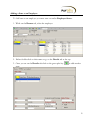
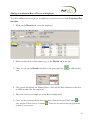
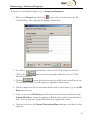
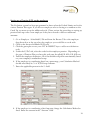
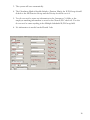
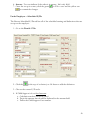
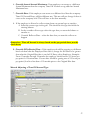
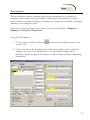
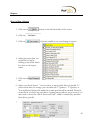
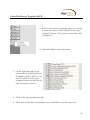
To terminate an employee, go to Employee-Employee.
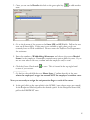
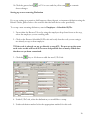
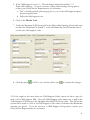
1. While on the Browse tab, select the employee you want to terminate.
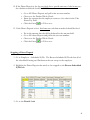
2. Either double click on their name or go to the EE Entry tab at the top.
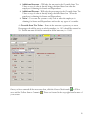
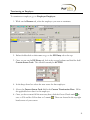
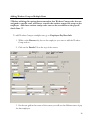
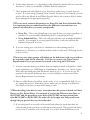
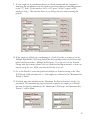
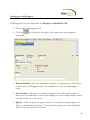
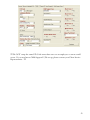
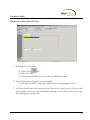
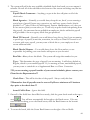
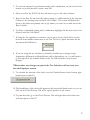
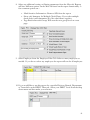
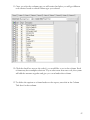
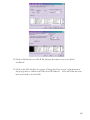
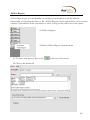
3. Once you are on the EE Entry tab, look in the second column and find the field
Current Status Code. This should currently be ACTIVE.
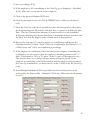
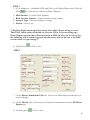
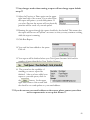
4. In the drop down box select the new status for that employee.
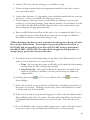
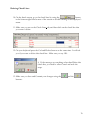
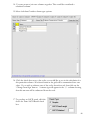
5. Above the Current Status Code field is the Current Termination Date. Fill in
the applicable leave date for this employee.
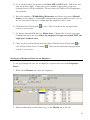
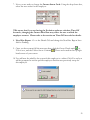
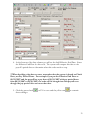
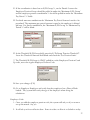
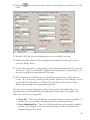
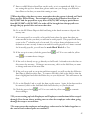
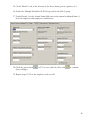
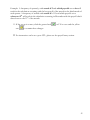
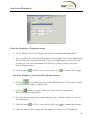
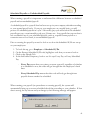
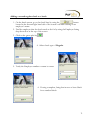
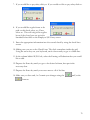
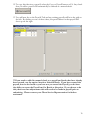
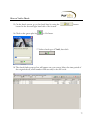
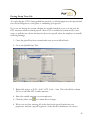
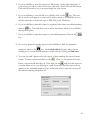
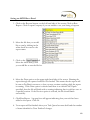
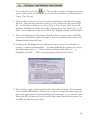
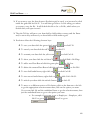
6. Once you have entered all the necessary data, click the Green Check mark
to
save or F10 and the Yellow Sun to Commit.
These are located in the top right
hand corner of your screen.
21