1
Adjusting Check Lines
Adding Check Lines
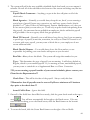
Check Lines is the term that is used to describe the individual Earnings and/or
Deductions that make up a paycheck.
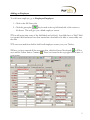
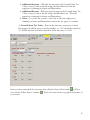
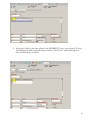
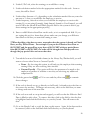
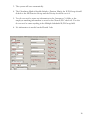
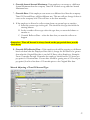
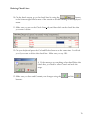
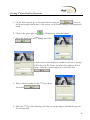
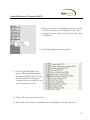
1. On the batch screen, go to the check lines by using the
button
in the bottom right hand corner of the screen or double clicking on an employee’s
name.
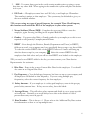
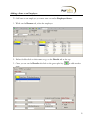
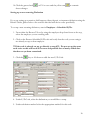
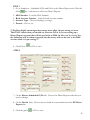
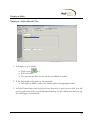
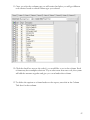
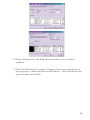
2. Making sure you are on the Check Lines tab, click somewhere inside the grid.
Using the arrow keys on your keyboard, arrow down until you get to a blank line.
3. In the column labeled E/D Code select the Earning or Deduction that you would
like to add.
4. Depress the Enter key or use the arrow keys until you get to the desired column
then put in the necessary data.
5. Depress the Enter key or use the arrow keys until your curser moves off of the line.
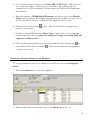
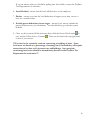
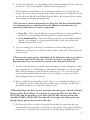
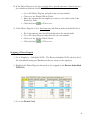
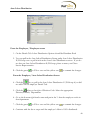
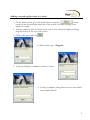
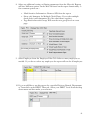
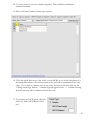
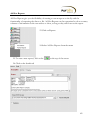
6. If you would like to add a column. Right click on the column header
7. Click Add or Delete.
8. Choose column title that you need.
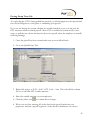
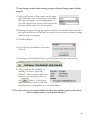
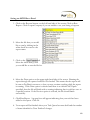
9. Make sure you Save and/or Commit your changes using the
and/or the
buttons.
69