1
4
3
Introduction
Licensing
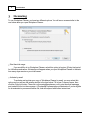
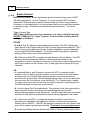
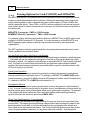
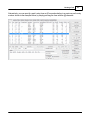
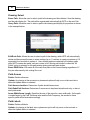
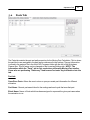
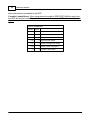
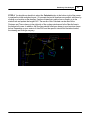
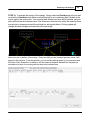
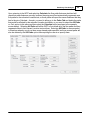
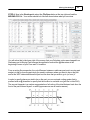
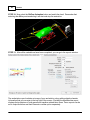
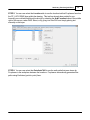
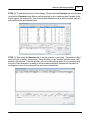
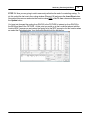
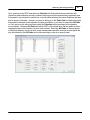
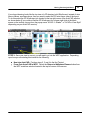
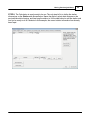
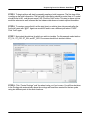
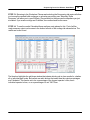
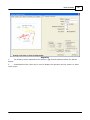
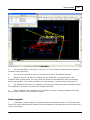
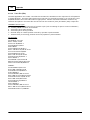
To use Workplace Planner, you have two different options. You will see a screen similar to the
one below when you open Workplace Planner.
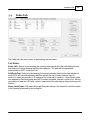
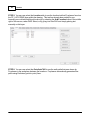
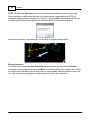
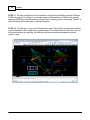
Start free trial usage
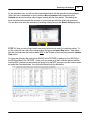
If you would like to try Workplace Planner, select this option to begin a 30-day trial period
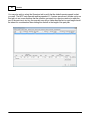
for full-feature evaluation. A status bar will appear when you open Workplace Planner to indicate
how many days remain on your trial license.
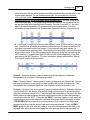
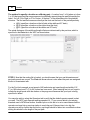
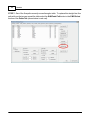
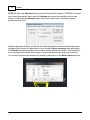
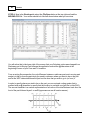
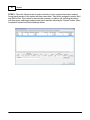
Activate by email
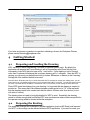
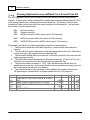
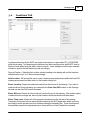
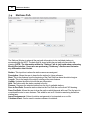
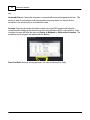
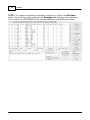
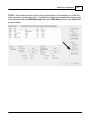
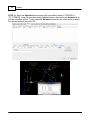
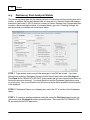
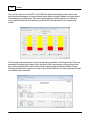
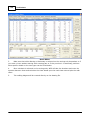
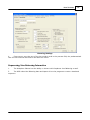
To activate and register your copy of Workplace Planner by email, you may select this
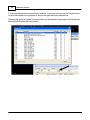
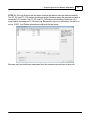
option and you will see the window similar to the one below. Fill in your Company name, then
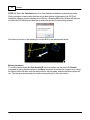
click the Copy Info button. Then click on [email protected] to start an email message
and paste the info into the message. A Proplanner representative will determine if you're eligible
for an extended or permanent license file, and will respond with further instructions.
© 2013 Proplanner