1
Programming
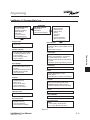
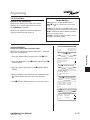
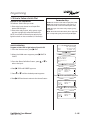
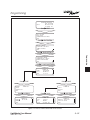
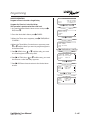
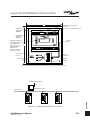
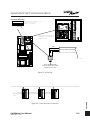
SAMPLE OPERATION:
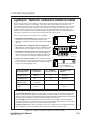
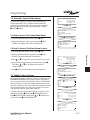
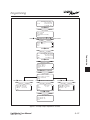
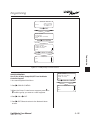
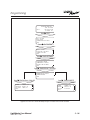
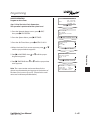
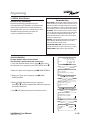
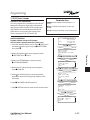
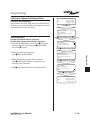
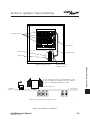
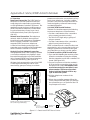
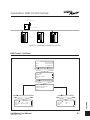
Program a Timer to Control a Single Relay
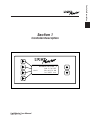
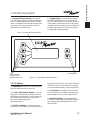
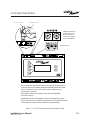
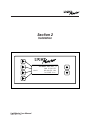
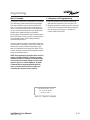
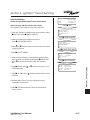
LM NETWORK NODE 02
TUE 09/16/03
09:46:55 AM
(C)2003 ILC
EDIT
EXIT
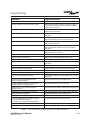
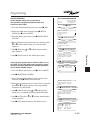
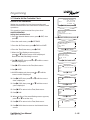
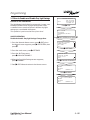
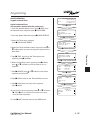
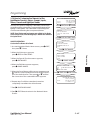
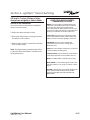
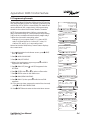
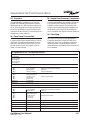
Program the Timer to Control the Relay:
This operation is performed at the node level.
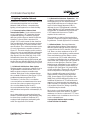
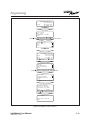
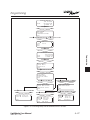
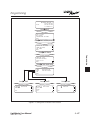
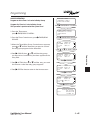
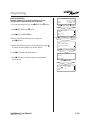
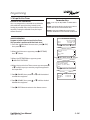
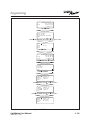
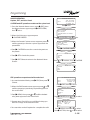
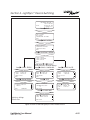
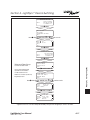
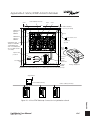
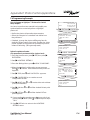
1. Access the desired Node Home screen and press EDIT; then .
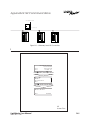
2. From the Node Main Menu press TIMERS.
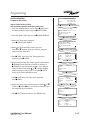
3. When the Timer menu appears, press TIMER/RELAY
CONTROL.
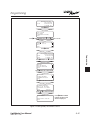
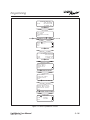
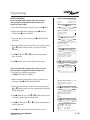
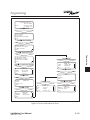
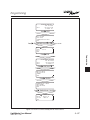
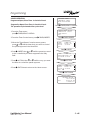
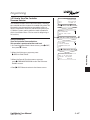
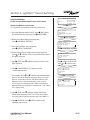
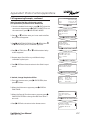
4. When the Timer/Relay Control screen appears, press
or until the timer you want to program appears
in the timer field.
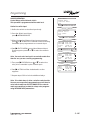
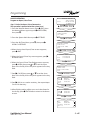
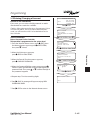
5. Press RELAY; then
or until the relay you want
to control appears in the relay field.
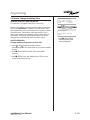
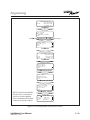
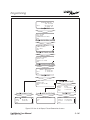
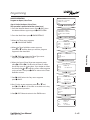
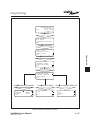
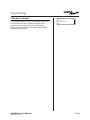
6. Press ACTION; then
or until the way you want
the timer to control the relay appears.
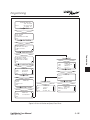
7. Press EXIT three times to return to the Node Home
screen.
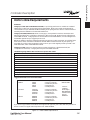
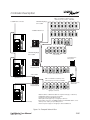
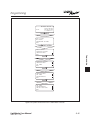
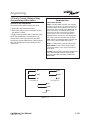
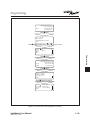
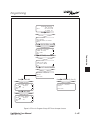
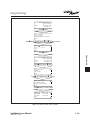
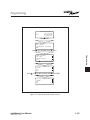
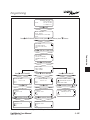
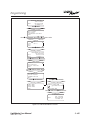
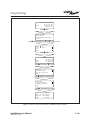
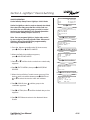
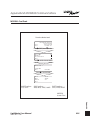
Press EDIT, then SWITCH INPUTS
SWITCH PILOTS
TIMERS
EXIT
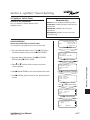
Press TIMERS
TIMER/RELAY CONTROL
SHOW TIMERS
SHOW SETTINGS
EXIT
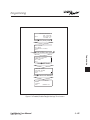
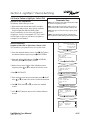
Press TIMER/RELAY CONTROL
TIMER
RELAY
ACTION
EXIT
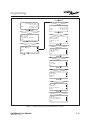
TIMER: 02
N:02 R:03
TURN ON
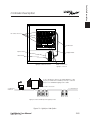
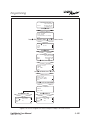
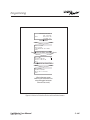
Press RELAY
TIMER
RELAY
ACTION
EXIT
TIMER: 02
N:02 R:03
TURN ON
Press ACTION
TIMER
RELAY
ACTION
EXIT
LightMaster User Manual
Version 2E-N 1/1/05
TIMER: 02
N:02 R:03
TURN ON
3 - 44