1
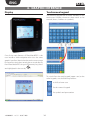
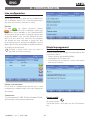
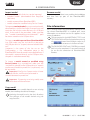
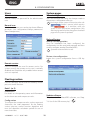
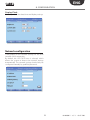
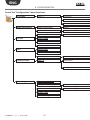
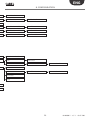
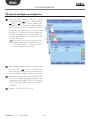
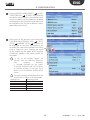
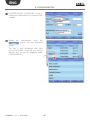
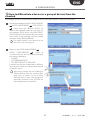
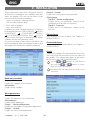
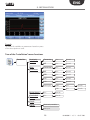
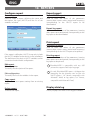
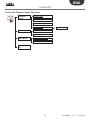
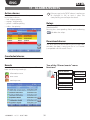
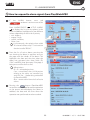
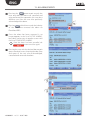
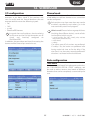
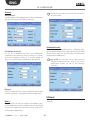
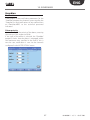
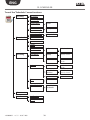
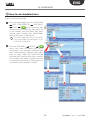
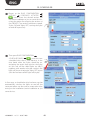
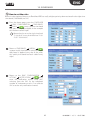
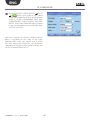
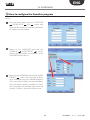
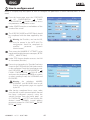
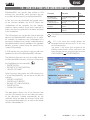
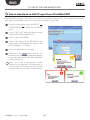
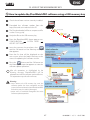
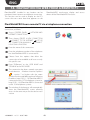
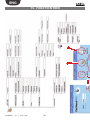
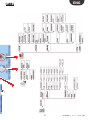
ENG 8. coNFiGuratioN How to configure a simple line First of all, the user needs to configure PlantWatchPRO in relation to the devices in the specific installation. From the home page, enter the menu CONFIGURATION LINE CONFIGURATION LINE 1 DEVICES menu. Progressively add all the devices featured in the installation and connected to line 1, assigning a specific description, an address and if necessary add the device to a group (up to five groups are available) for applying one or more rules (see the part of the manual corresponding to the SCHEDULER menu). Each device on the same line must have a different address from the others, otherwise, if the same address is assigned twice, an error message will be displayed. After having entered the devices, go back and DEVICE CUSTOMISATION press the LINE 1 item. Here the name of each individual device and each related variable can be customised. Go back and choose the type of CONNECTION, from the standard protocols proposed, the connection speed (BAUD RATE), the number of DATA BITS, the PARITY and the number of STOP BITS. Repeat 1, 2 & 3 for LINE 2 (if used). +040000021 - rel. 2.1 - 03.07.2009 24