1
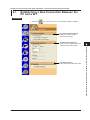
2.3 Setting the Ethernet Control
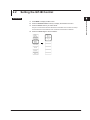
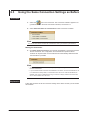
Setting the Timeout Value
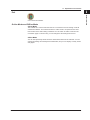
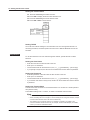
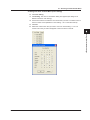
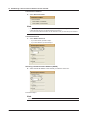
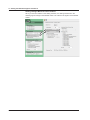
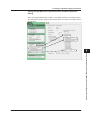
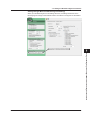
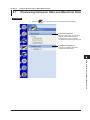
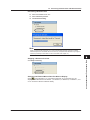
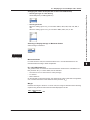
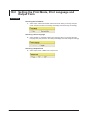
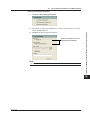
11. Press the cursor keys to select Time Out.
12.Press SET to display the timeout time selection box.
13.Press the cursor keys to set the timeout value.
14.Press SET or ESC to close the box.
Setting TCP/IP
You must enter TCP/IP settings to control the WT from a PC through the network. For
the setup procedure, see the Expansion Function User’s Manual IM760301-51E of the
WT3000.
Explanation
To use the software in On-Line mode through the network, operate the WT to select
Network.
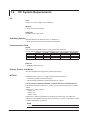
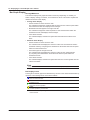
Setting the User Name
•
•
•
•
Enter the user name to allow access to the WT.
Enter up to 15 characters.
The characters that can be used are 0-9, A-Z, %, _, ( ) (parentheses), - (minus sign).
If you specify anonymous, the WT can be accessed from the PC without a password.
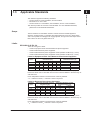
Setting the Password
•
•
•
•
Enter the password of the user name to allow access to the WT.
Enter up to 15 characters.
The characters that can be used are 0-9, A-Z, %, _, ( ) (parentheses), - (minus sign).
If you set the user name to anonymous, the WT can be accessed from the PC without
a password.
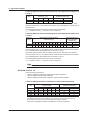
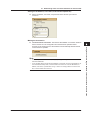
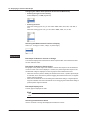
Setting the Timeout Value
The WT closes the connection to the network if there is no access for a certain period of
time (timeout value).
The available settings are 1 to 3600 s, or Infinite. The default value is Infinite.
Note
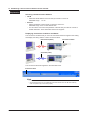
• To activate the settings, you must power cycle the WT.
• When connecting the WT to a single PC and controlling the WT using this software, multiple
communication interfaces cannot be used simultaneously.
• The software may not operate correctly, if an adapter is inserted in the middle of the
connection between the WT and the PC (for example, GP-IB-to-USB adapter). For details,
contact your nearest YOKOGAWA dealer.
2-6
IM 761922-05E