1
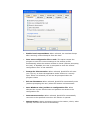
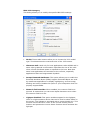
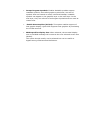
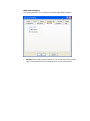
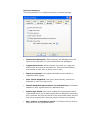
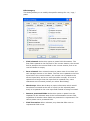
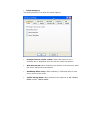
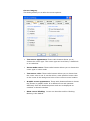
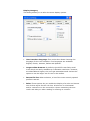
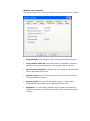
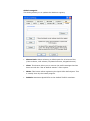
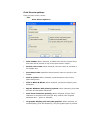
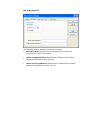
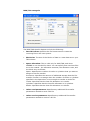
IBM 3270 Category This dialog allows you to modify the specific IBM 3270 settings Model: These radio buttons allow you to choose the 3270 model type. This determines the maximum size of the 3270 screen. Character Cell: Used only for host applications under GDDM and in some other graphical environments. Specifies the size of the cells when a fixed coordinate space is reported to the host. Note that some host applications are sensitive to the cell size, especially applications that use Programmed Symbols. Accept Extented Attributes: This option allows you to enable the Extended Attribute Bytes (EABs) support. Extended Bytes are used by mainframe applications to display highlighting, reverse image, blinking and colors. Disable this option if your hostsystem does not properly support EABs. Numeric field override: When enabled, the numeric field bit is ignored. It means that you can enter alpha characters even when the numeric field bit is set. Lightpen Enabled: This option enables support for the lightpen, which is a light-sensitive device that can be used to select fields on the screen. The lightpen is emulated with a mouse double-clic. This function moves the 3270 cursor to the current mouse pointer location and presses the Cursor Select function which emulates the light pen