1
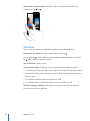
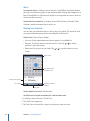
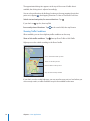
To select which calendar to add the event to, tap Calendar. Read-only calendars don’t
appear in the list.
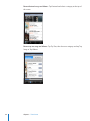
Edit an event
Tap the event, then tap Edit.
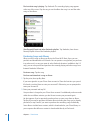
Delete an event
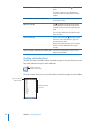
Tap the event, tap Edit, then scroll down and tap
Delete Event.
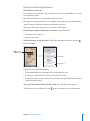
Responding to Meeting Invitations
If you have a Microsoft Exchange account set up on iPod touch with Calendars
enabled, you can receive and respond to meeting invitations from people in your
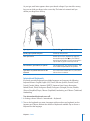
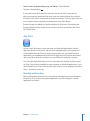
organization. When you receive an invitation, the meeting appears in your calendar
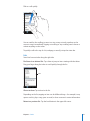
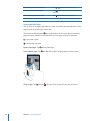
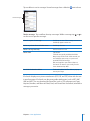
with a dotted line around it. The
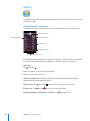
icon in the lower-right corner of the screen
indicates the total number of new invitations you have, as does the Calendar icon on
the Home screen.
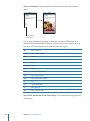
Number of
meeting invitations
62
Chapter 6    More Applications