1
ideas make future
Application servicing
The USB-CAN adapter application was projected to be served easily and offers wide range of
possibilities in displaying, conversion and data saving as well.
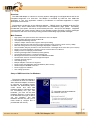
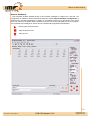
The main application Windows contains a number of items for setting required CAN bus parameters
in the right part. This part is called CAN bus control board. The main Windows contains bookmarks
Messages, Signals, Trends a Records, where each of them offers a different form of processing data
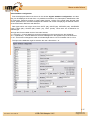
from CAN bus. Except Messages bookmark every bookmarks requires setting of value database
through Signals database configuration windows.
Messages bookmark
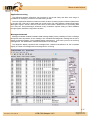
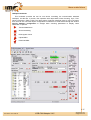
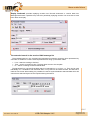
Message bookmark enables immediate CAN message display with a possibility to insert a message
description about importance of the message. The immediate and diagnostic message list serves to
display received messages. The immediate display prints data in lines with a print out of receiving
message time, the identification, data and description of the message.
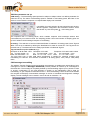
The diagnostic display represents the messages with a different Identification ID, the immediate
display of number of messages and an average time or receiving.
4/15
Document: 1001-0002-05
USB-CAN Adapter V4.5
www.imfsoft.com
[email protected]