1
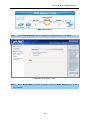
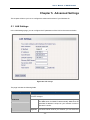
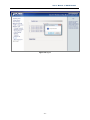
User’s Manual of WNAP-C3220 Figure 36 Time Settings Time Zone: Select your time zone from the drop-down menu. Customized time: Enter the time you customize. 5.7.5 Reboot This page is used to reboot wireless access point. Rebooting the device makes the settings configured go into effect. Figure 36 Reboot Reboot: Click this button to reboot the device. - 48 -