1
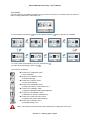
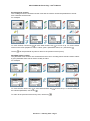
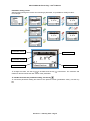
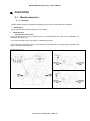
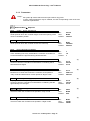
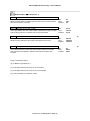
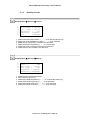
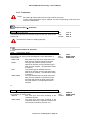
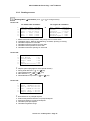
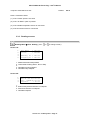
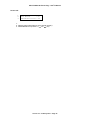
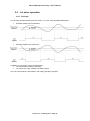
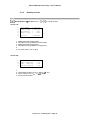
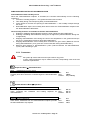
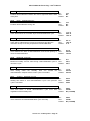
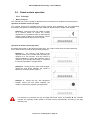
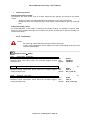
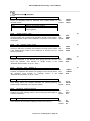
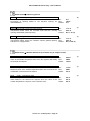
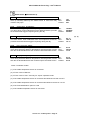
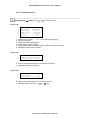
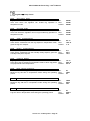
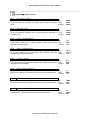
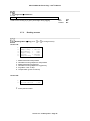
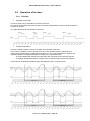
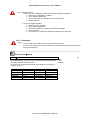
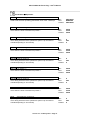
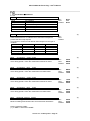
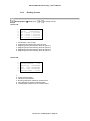
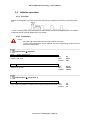
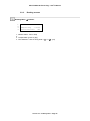
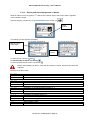
POLYCLIM 21A+Timer+Fog – User’s Manual 3.2.2. Parameters Notes : - the symbol means that the menu opens after a long press - in some cases parameters may be masked; see the corresponding notes at the end of the list of parameters Setpoints Menu Ventilation AA01 Ventil. Main Setp. X Main setpoint of the vents Temperature at which the controller begins to open the vents on the priority side Min : Max : Default : -9.9 °C 99.9 °C 25.0 °C Min : Max : Default : LEFT WIND VANE SIMULTAN. Min : Max : Default : SIMPLE WIND VANE SIMPLE No interlock in relation to heating setpoints Ventilation Menu Operation CA01 Operating mode Operating mode Vent opening or closing mode (simultaneous, wind-dependent or priority side) SIMULTAN. Both sides open and close at the same time after the main setpoint has been reached. RIGHT The right side opens first after the main setpoint is reached, then the left side opens after the main setpoint + a temperature offset is reached. LEFT The left side opens first after the main setpoint is reached, then the right side opens after the main setpoint + a temperature offset is reached. WIND VANE The side sheltered from the wind opens first after the main setpoint is reached, then the exposed side (facing the wind) opens after the main setpoint + a temperature offset is reached. or CA01 Operating mode Operating mode (single slope vent) Vent opening or closing mode SIMPLE The vents open and close according to the ventilation setpoint. WIND VANE The vents open and close according to the ventilation setpoint by respecting sheltered and exposed sides indicated by the wind vane Version 3.x – February 2010 – Page 25