1
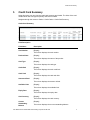
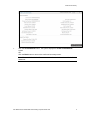
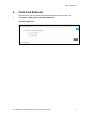
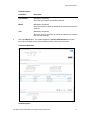
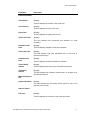
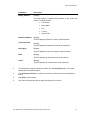
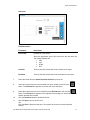
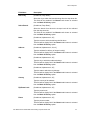
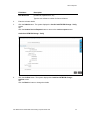
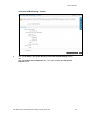
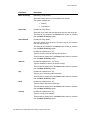
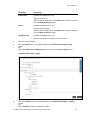
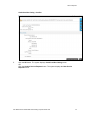
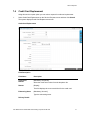
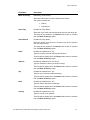
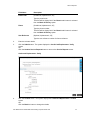
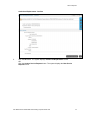
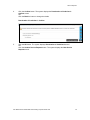
Credit Card Statement Field Name Description Mailing Address [Display] This field displays complete mailing address of the credit card holder. The details include: Reference Number Flat Number Street Name City Country Postal Code [Display] This field displays Reference number of the transaction. Transaction date [Display] This field displays the transaction date of the transaction. Description [Display] This field displays the short description of the transaction. Debit [Display] This field displays the debit amount of the transaction. Credit [Display] This field displays the credit amount of the transaction. 3. To download the complete transaction details, click the Download button. The system displays the Download dialog box. 4. Click Customize Columns to reorder the columns or select the columns that appear in the list. 5. Click Print to print the data. 6. Click the Word Wrap checkbox to apply word-wrap to the columns. User Manual Oracle FLEXCUBE Direct Banking Corporate Credit Card 12