1
•
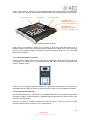
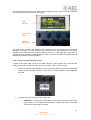
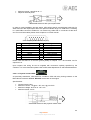
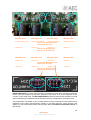
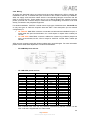
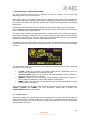
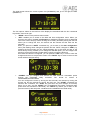
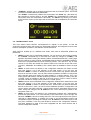
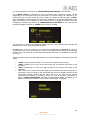
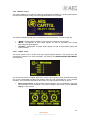
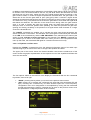
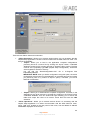
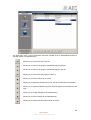
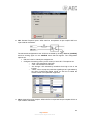
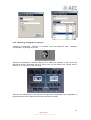
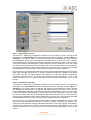
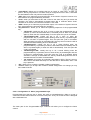
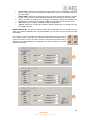
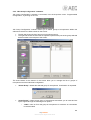
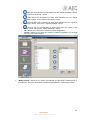
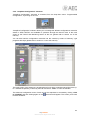
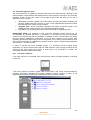
“CHRONO”: enables you to configure and activate the chronometer option. The format
on screen is HOURS:MINUTES:SECONDS.
The “START” contextual key initiates the chronometer, the “STOP” key (the same key
that changes its function) stops it, and the “RESET” key re-establishes the initial zero
value (even when the chronometer is launched). The “BACK” key allows you to return
to the previous screen (it also stops the chronometer and re-establishes the initial zero
value).
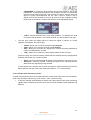
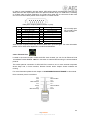
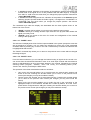
3.2. “LOGIN/LOGOUT“ menu.
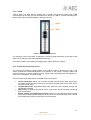
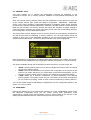
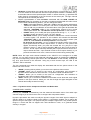
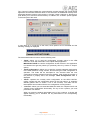
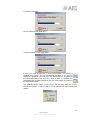
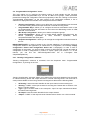
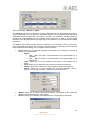
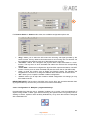
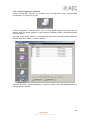
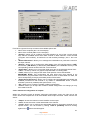
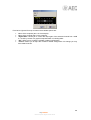
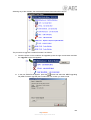
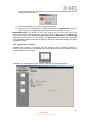
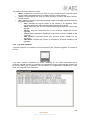
This menu allows AEQ CAPITOL users/operators to register in the system, so that the
equipment recognizes their user level by the associated password, and assigns them an access
level for subsequent operation in the different console submenus.
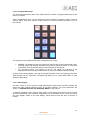
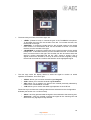
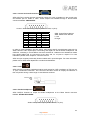
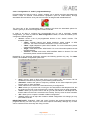
AEQ CAPITOL enables up to 4 different user levels, each with its associated profiles and
passwords:
•
•
•
•
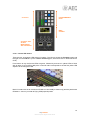
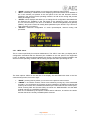
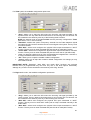
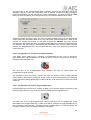
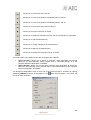
LEVEL 0: users with no associated password. You can access to this level by pressing
the “LOGOU” contextual key in the initial menu (that key changes to “LOGIN”). The
operation is limited to raising and lowering faders, activate/deactivate the 4 routing keys
and the CUE key of each channel, activate/deactivate channels (“CHANNEL ON/OFF”)
and use the programmable keys and monitoring section. The “SELECT” key of each
channel is not active and neither the options visible on the last line of the main menu
(“CLOCK”, “MEMORY” and “MENU”); the “LOGIN” option is available in order to change
user.
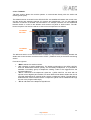
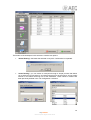
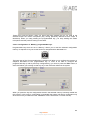
LEVEL 1: these users are defined in the configuration software with “Basic” access
level (see section 4.1.2 in this manual). In the initial screen, up on the right, the
indication “BASIC” is shown to identify this level. These users may perform the same
actions as the level 0 users, and can also activate equalizers and filters, modify audio
input channels gains and modify the signal present in a certain channel. They can’t
modify phase and balance, activate dynamics processes or modify the routing. Only the
“LOGOU” option is available in last line of the main menu in order to return to level 0
(and then, be able to change user by means of “LOGIN” option).
LEVEL 2: these users are defined in the configuration software with “Advanced” access
level (see section 4.1.2 in this manual). In the initial screen, up on the right, the
indication “ADVAN” is shown to identify this level. These users may perform the same
actions as the level 1 users, as well as all the additional operation, configuration and
control options that AEQ CAPITOL control surface and its associated internal menu
offers, except the change of the IP address of the “LAN” network port present in the
rear panel of the unit.
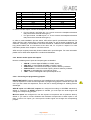
LEVEL 3: these users are defined in the configuration software with “Administrator”
access level (see section 4.1.2 in this manual). In the initial screen, up on the right, the
indication “ADMIN” is shown to identify this level. This is the highest level in the system,
reserved for administrators. It enables full access to all the equipment menus and
configuration options (including the change of the IP address of the network port of the
unit), and, in addition, is the only level enable to access to the configuration software.
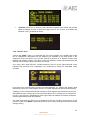
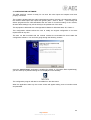
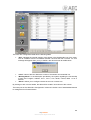
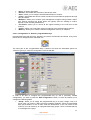
The same password is used in this menu integrated into the control surface and in
remote configuration software.
38
AEQ CAPITOL
Ultra-compact digital audio mixer