1
4.3.2. “Programmable Keys” submenu.
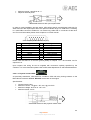
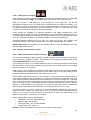
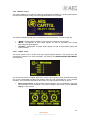
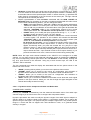
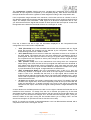
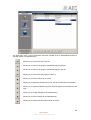
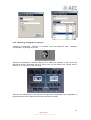
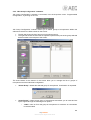
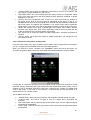
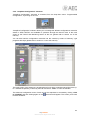
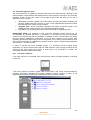
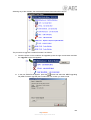
“Programmable Keys” submenu is accessed, from the drop-down menu “Programmable
Configuration”, by clicking on the icon:
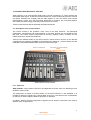
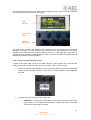
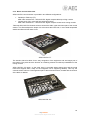
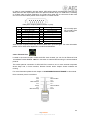
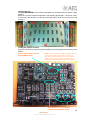
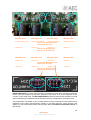
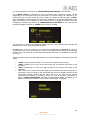
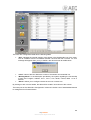
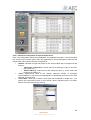
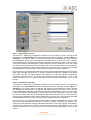
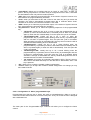
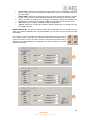
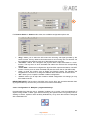
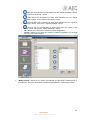
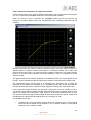
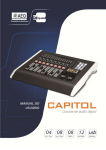
“Programmable Keys” submenu lets you configure the actions associated with each of the 15
programmable keys found in the Control and Monitoring section of the AEQ CAPITOL control
surface (please refer to Section 2.1.2.2 of this manual).
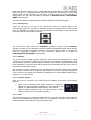
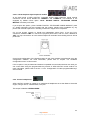
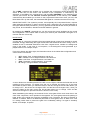
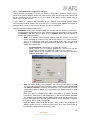
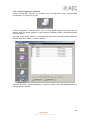
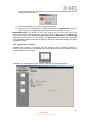
Within this submenu there are two distinct areas:
•
•
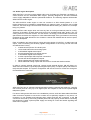
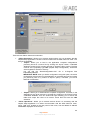
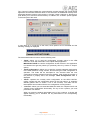
“Keyboard”: it’s the upper part of the screen that allows for the basic configuration of
the 15 programmable keys.
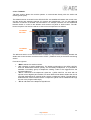
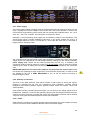
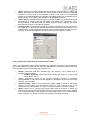
“Key Configuration”: it’s the lower part of the screen where the specific configuration
of each of the 15 programmable keys is accomplished.
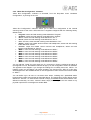
4.3.2.1. Basic configuration of programmable keys.
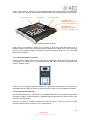
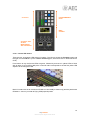
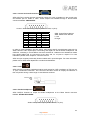
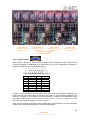
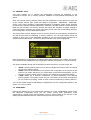
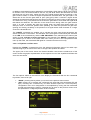
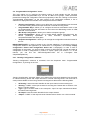
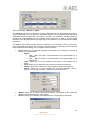
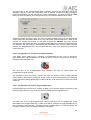
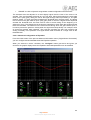
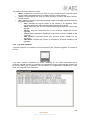
This basic configuration section shows graphically the programmable keys corresponding to the
Control and Monitoring section of the AEQ CAPITOL control surface. The programmable keys
are numbered from 1 to 15 following the order from left to right and top to bottom.
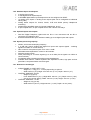
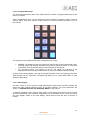
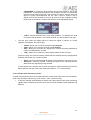
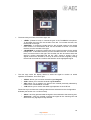
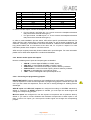
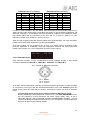
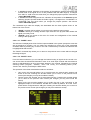
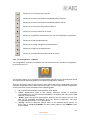
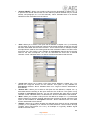
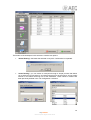
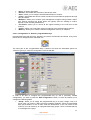
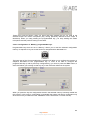
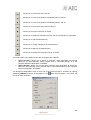
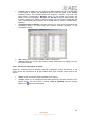
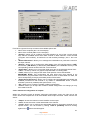
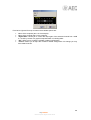
To set a programmable key, simply click on it with the mouse and select from the list on the right
to associate action. The available options are:
76
AEQ CAPITOL
Ultra-compact digital audio mixer