1
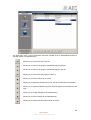
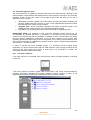
4.1.3. “About Capitol Setup“ submenu.
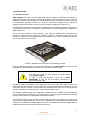
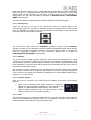
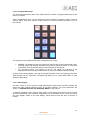
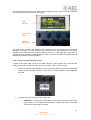
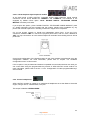
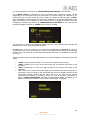
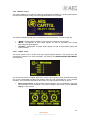
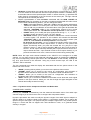
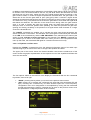
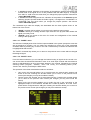
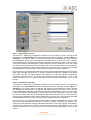
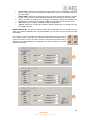
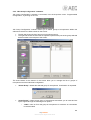
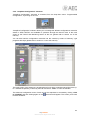
“About Capitol Setup” submenu is accessed, from the drop-down menu “Administration”, by
licking on the icon:
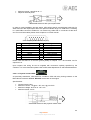
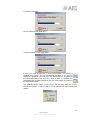
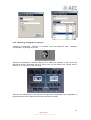
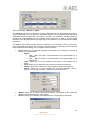
“About Capitol Setup” submenu simply shows information regarding the software version and
the current user logged into the application.
4.2. “Hardware Configuration“ menu.
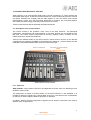
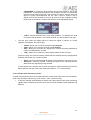
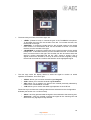
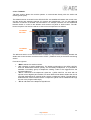
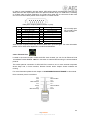
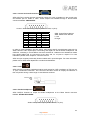
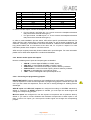
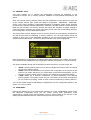
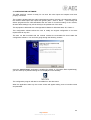
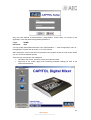
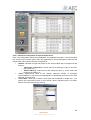
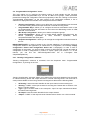
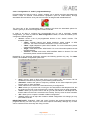
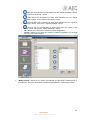
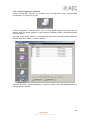
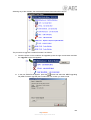
This menu allows you to configure the system inputs and outputs modules as well as the logical
audio channels created from the physical inputs and outputs. Clicking on the “Hardware
Configuration” section on the left side of the screen displays the full list of submenus, which
includes:
•
•
•
•
•
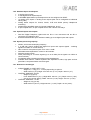
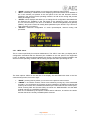
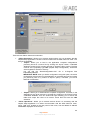
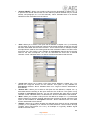
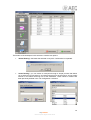
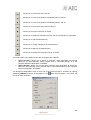
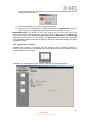
“Board Configuration”: allows you to configure remote sync extraction (through MADI
or AES 3), the number of active channels of MADI and the console GPIOs. Reports the
virtual configuration regarding number of faders and audio inputs/outputs modules.
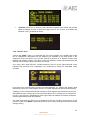
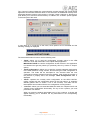
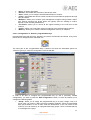
“Mixer Bus Configuration”: allows you to define the configuration of the internal
summing buses of the mixing console.
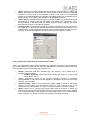
“I/O Configuration”: enables the configuration of logical audio channels based on the
physical audio inputs and outputs of the system.
“Monitoring Configuration”: allows you to define the operation of the Control and
Monitoring sections that are associated to the control and studio rooms.
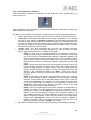
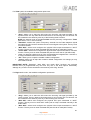
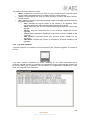
“NTP Client”: allows you to configure and activate time and date synchronization with a
remote NTP server. Once configured this server will work as the master clock for the
local time of the AEQ CAPITOL.
60
AEQ CAPITOL
Ultra-compact digital audio mixer