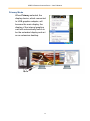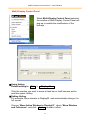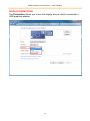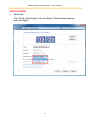
1
USB 2.0 GRAPHICS ADAPTER SERIES USER’S MANUAL
WINDOWS XP / 2000
INSTALLATION
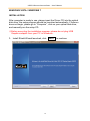
After computer is ready to use, please insert the Driver CD into the optical
disk drive, the setup program should be launched automatically. If Autorun
does not begin, please go to “Computer”, click on your optical disk drive,
and manually run the setup CD.
※Before executing the installation program, please do not plug USB
Graphics adapter from your PC or Notebook.
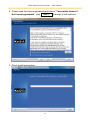
1. Install Shield Wizard launched, click
21
Next>
to continue