1
Driver Installation
PCI Ethernet Drivers
The first thing to do to install the Ethernet drivers is to create a floppy diskette that would contain the
drivers. Follow the steps below.
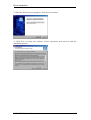
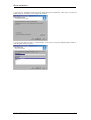
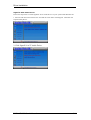
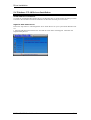
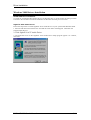
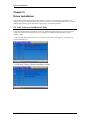
Insert the CD that comes with your ROBO-8700VL. In the initial screen, click on LAN Card, then
click on Intel PRO LAN Drivers. The following figure will appear.
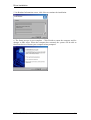
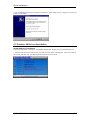
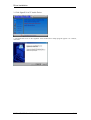
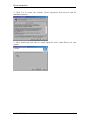
2. Choose the operating system that you are using. In this case, Windows 2000. Use the created diskette
to install the Ethernet/LAN drivers.
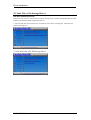
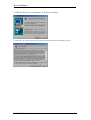
3. Under the Windows 2000 environment, click Start Control Panel. Double click System Hardware Device Manager Other Devices.
4. Double-click Ethernet Controller.
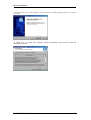
5. Click Driver Update Driver Next.
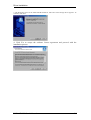
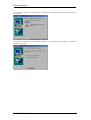
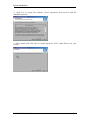
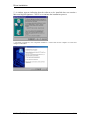
6. Now select “Display a list of the known drivers for this device so that I can choose a specific driver.”
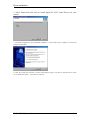
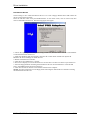
7. Insert the floppy diskette containing the Intel Ethernet drivers into the FDD drive. Click OK and
select “Intel PRO/100 VE Network connection.”
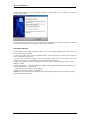
8. Click Next Next Finish. Close all tasks and restart the computer.
NOTE: You may also directly use the floppy disks containing the Ethernet drivers instead of creating
the Install Disks from the CD.
ROBO-8700VL User’s Manual
5-21