1
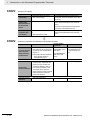
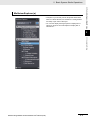
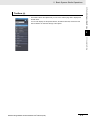
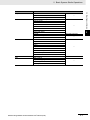
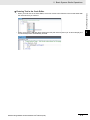
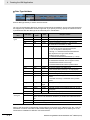
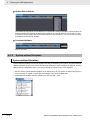
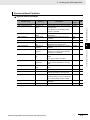
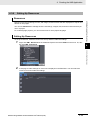
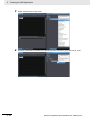
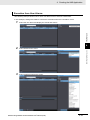
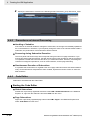
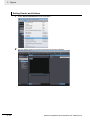
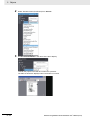
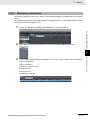
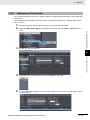
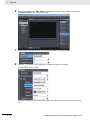
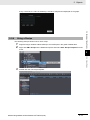
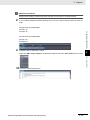
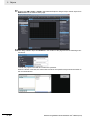
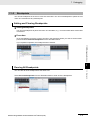
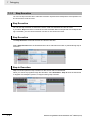
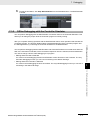
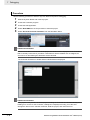
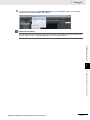
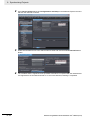
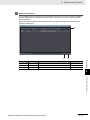
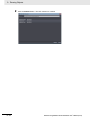
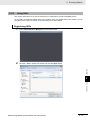
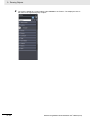
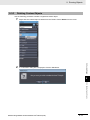
4 Creating the HMI Application Deleting, Copying, and Pasting Recipes You can delete, copy, and paste recipes using the same procedures as those that you use for pages. 4-3-4 Setting Global Events and Corresponding Actions Global Events Global events occur at the project level and do not belong to any specific page. When a global event occurs, the action that is assigned to the event is executed. Global Events Global events include function key operations, changes in the values of variables, starting the project, etc. A list of the events that you can set is provided in A-1 Events and Actions on page A-2. Actions You can specify the action to perform when a global event occurs from a list of predefined actions. Actions include executing global subroutines and other system-defined operations. A list of the actions that you can set is provided in A-1 Events and Actions on page A-2. Setting Up Global Events To set up a global event, you select the global event and then set the action to execute when the event occurs. 1 2 4 - 22 Right-click HMI - Global Events in the Multiview Explorer and select Edit from the menu. Or, double-click HMI - Global Events. A tab page to make settings for the global event is displayed in the Edit Pane. NA Series Programmable Terminal Software User’s Manual (V118)