1
MOUNTING THE CABLE COVER
n Unplug all power plugs from the grounded-contact power sockets.
n Unplug all cables from the devices.
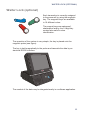
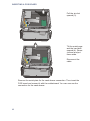
With MINI-DIN plugs, the plug remains inserted
until released.
Pull the plastic covering from the connecting
socket with your thumb. The lock is released.
The metal of the plug is visible.
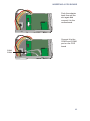
RJ12 and RJ45 plugs lock in when you insert
them. To release them push the latch under the
plug to the top.
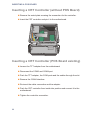
The D-sub typ connector is used for parallel or
serial interfaces. Release the connector by
loosening the two screws.
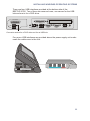
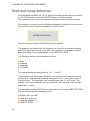
Take hold of the USB connector housing and
release the connection.
Mounting the Cable Cover
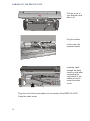
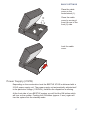
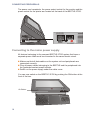
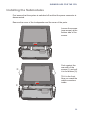
BEETLE /iPOS is delivered with a cable cover. You should have laid the cables before applying this cable cover on the back of the device.
No tools are required, the cover can be released manually.
16