1
IPython Documentation, Release 1.2.1: An Afternoon Hack
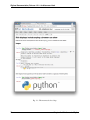
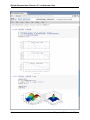
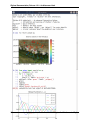
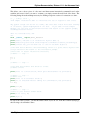
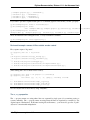
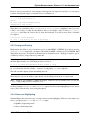
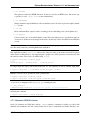
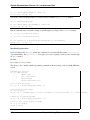
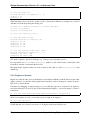
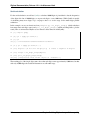
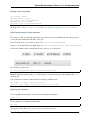
and just like the Qt console, you can start the notebook server with pylab support by using:
ipython notebook --pylab
for floating matplotlib windows or:
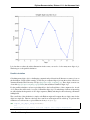
ipython notebook --pylab inline
for plotting support with automatically inlined figures. Note that it is now possible also to activate pylab
support at runtime via %pylab, so you do not need to make this decision when starting the server.
See the Notebook docs for technical details.
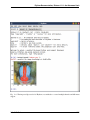
Two-process terminal console
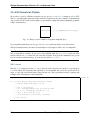
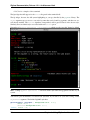
Based on the same architecture as the notebook and the Qt console, we also have now a terminal-based
console that can connect to an external IPython kernel (the same kernels used by the Qt console or the
notebook, in fact). While this client behaves almost identically to the usual IPython terminal application,
this capability can be very useful to attach an interactive console to an existing kernel that was started
externally. It lets you use the interactive %debug facilities in a notebook, for example (the web browser
can’t interact directly with the debugger) or debug a third-party code where you may have embedded an
IPython kernel.
This is also something that we have wanted for a long time, and which is a culmination (as a team effort) of
the work started last year during the 2010 Google Summer of Code project.
Tabbed QtConsole
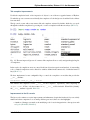
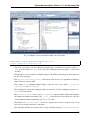
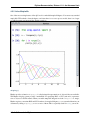
The QtConsole now supports starting multiple kernels in tabs, and has a menubar, so it looks and behaves
more like a real application. Keyboard enthusiasts can disable the menubar with ctrl-shift-M (PR #887).
Full Python 3 compatibility
IPython can now be installed from a single codebase on Python 2 and Python 3. The installation process for
Python 3 automatically runs 2to3. The same ‘default’ profile is now used for Python 2 and 3 (the previous
version had a separate ‘python3’ profile).
Standalone Kernel
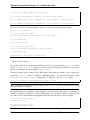
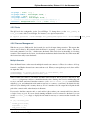
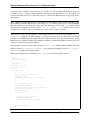
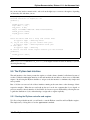
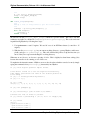
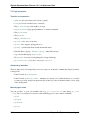
The ipython kernel subcommand has been added, to allow starting a standalone kernel, that can be
used with various frontends. You can then later connect a Qt console or a terminal console to this kernel by
typing e.g.:
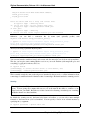
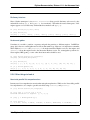
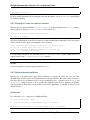
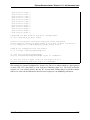
ipython qtconsole --existing
if it’s the only one running, or by passing explicitly the connection parameters (printed by the kernel at
startup).
128
Chapter 2. What’s new in IPython