1
3.3: Dynamic DNS
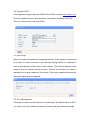
This equipment support dynamic DNS of Www.3322.org and www.dyndns.org.
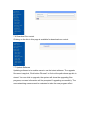
Enter the applied dynamic domain name, user name, password, and click
“Save” to access device through WAN.
3.4: upnp settings
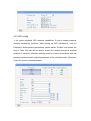
Upnp is to realize automatic port mapping function. If the camera is connected
to a router, In order to access to the cameras through WAN, it is required to
open a specified port of the router to the camera. (This feature requires router
support, and this feature should be open. Without this feature, you need to
manually set up port mapping in the router). If the upnp enabled successfully,
the below figure will be displayed.
3.5: Port Management
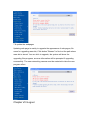
This page is used to set the camera's external ports, the default value of 80. If
you want to visit the multiple cameras in a same local area network through