1
2. Installation Guidance
Notice:
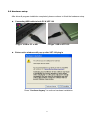
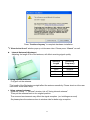
Before plugging VDT-100 into USB port, please finish the software installation first.
2.1 Software installation
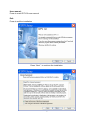
Insert the driver CD for software installation.
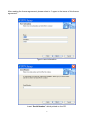
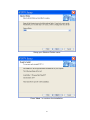
Please follow the instructions.
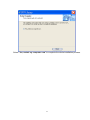
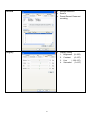
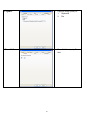
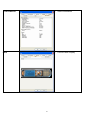
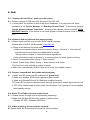
Select “Program Driver Install” to start installation.
Driver / Program Install:
Press to start driver / program installation
Adobe Reader Download:
Directly link to Adobe Acrobat website to download PDF reader. To view VDT-100 user manual,
PDF reader has to be installed first.
6