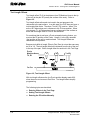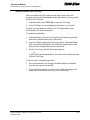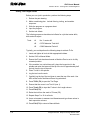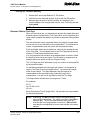
1
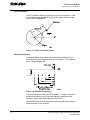
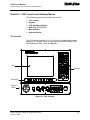
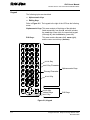
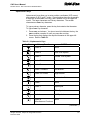
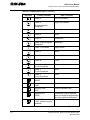
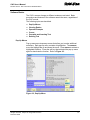
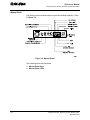
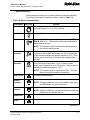
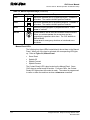
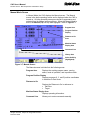
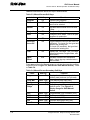
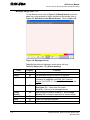
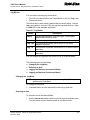
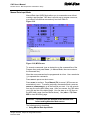
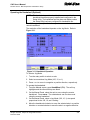
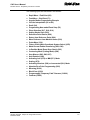
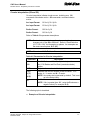
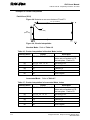
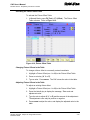
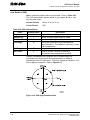
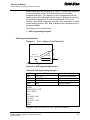
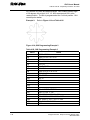
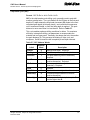
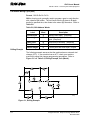
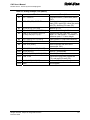
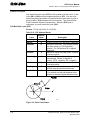
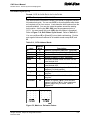
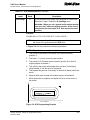
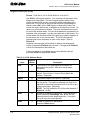
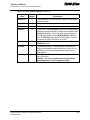
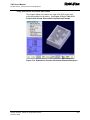
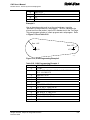
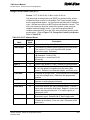
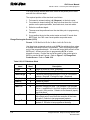
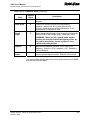
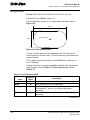
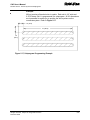
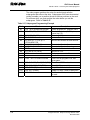
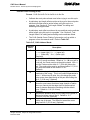
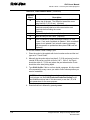
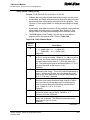
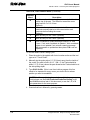
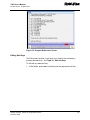
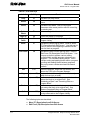
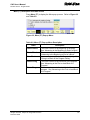
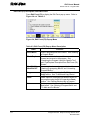
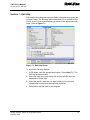
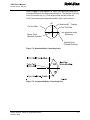
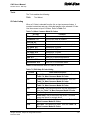
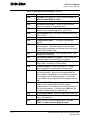
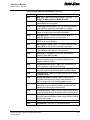
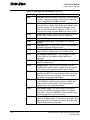
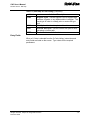
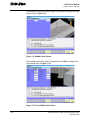
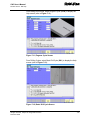
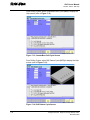
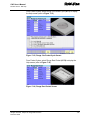
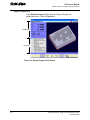
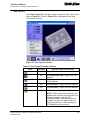
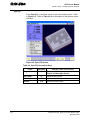
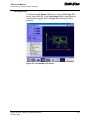
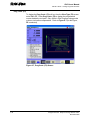
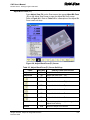
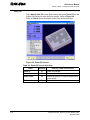
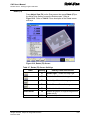
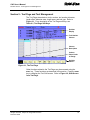
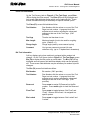
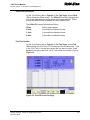
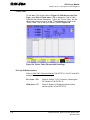
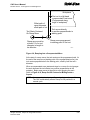
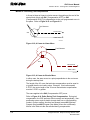
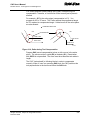
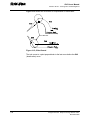
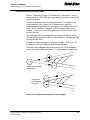
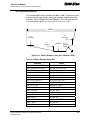
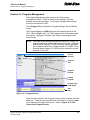
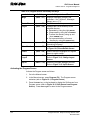
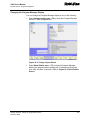
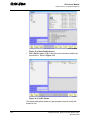
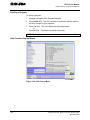
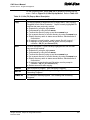
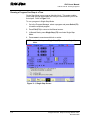
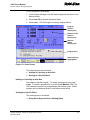
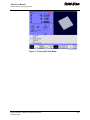
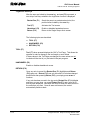
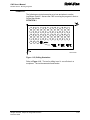
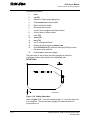
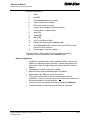
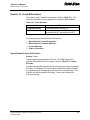
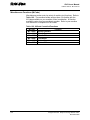
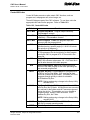
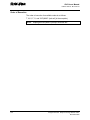
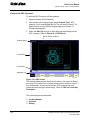
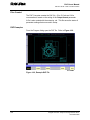
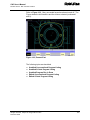
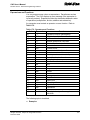
CNC User’s Manual P/N 627 785-22 - DXF Converter Feature Entry to the DXF Converter To open the DXF Converter (off-line software): 1. Open the Anilam Off-line Software 2. Gain access to the Program page, select Program Type: DXF drawings (*.dxf), and highlight the DXF file you wish to convert. For details on how to work with the Program page see “Section 10 Program Management.” 3. Select the Edit (F8) soft key to open and bring the drawing into the DXF converter. Refer to Figure 16-1, DXF Screen. Mouse Pointer Position X Y Program Name Y-axis Scale X-axis Scale Message Line DXF SCRN Figure 16-1, DXF Screen The drawing display screen shows the file name in the upper-left border, the current X Y position of the mouse pointer position at the top center, Yaxis vertical scale, X-axis horizontal scale, DXF message line, and several soft keys along the bottom edge. Refer to Table 16-2, Soft Key Description. The following topics are described: 16-2 Creating Shapes Contours Drilling All rights reserved. Subject to change without notice. November 2009