1
•
USB Cable (USB A to Miniature B)
6 Installation Guidelines
The installation setup file “ScriptTalk Installation Setup.exe” is to install
1. The files to use the Scriptalk Station PC GUI Software
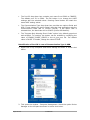
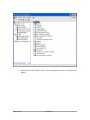
2. The driver installation for Pololu adapter
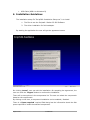
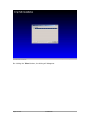
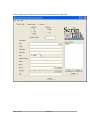
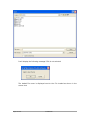
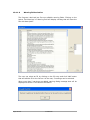
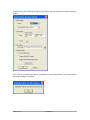
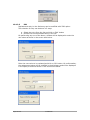
By starting the application the user will get the agreement screen
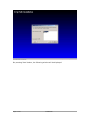
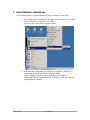
On clicking ‘cancel’, user can exit the installation. On accepting the agreement, the
user can click the ‘I Agree’ button to continue the installation.
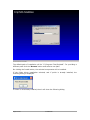
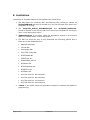
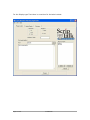
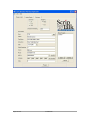
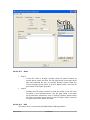
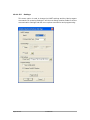
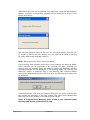
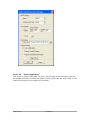
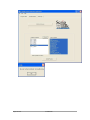
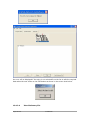
There will be two options in the components list. The user can select the components
based on the requirement.
By clicking on the item, a component installation can be enabled / disabled.
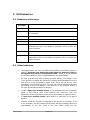
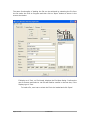
There is a ‘Space required’ required field that gives the information about the disk
space required to install the selected components.
Page 6 of 61
Confidential