1
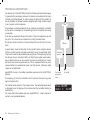
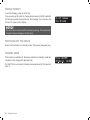
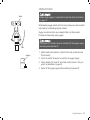
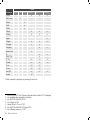
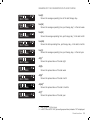
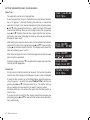
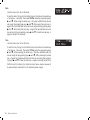
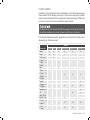
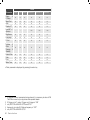
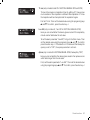
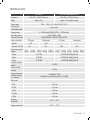
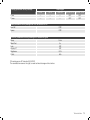
DEVICE FUNCTIONS There are three keys for programing the VECTOR et functions. = Programing key = Programing key = Enter key The display has two lines. Using the programing keys and , you can select the line to be displayed. The triangular symbol preceding the line indicates that this line has been selected. If you do not press any key for 30 seconds while programing, the programing mode is automatically exited for safety reasons. Unless the changed value is confirmed with the enter key when the programing mode is exited, the original value remains as it is. If you select the line Exit Menu and then press the enter key , programing is ended. The device has three different menus: 1. Info-Menu In this menu the set parameters can be displayed. 2. Patient-Menu In this menu the patient can change settings. 3. Clinic-Menu In this menu, only a physician or service technicians can change settings. Use the programing key for scrolling within the menus. The sequence of the menu structure is shown in the table from page 27. 26 Device functions Q.!00MMMMMMB @$ 4%/!*1 Example: Pressure