1
User Manual
4. Xagent START
4.3 Group
4.3.1 Grouping multi DVRs – setup screen mode
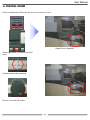
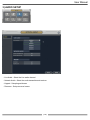
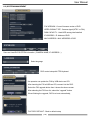
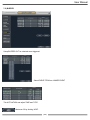
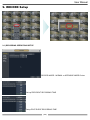
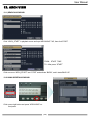
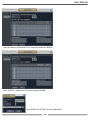
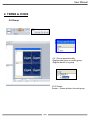
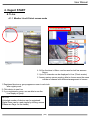
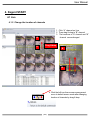
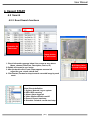
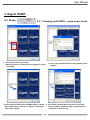
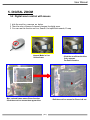
1. Click group icon in main screen
-Mouse right click in red box and click “Append” to add
new group.
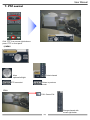
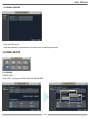
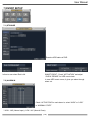
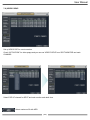
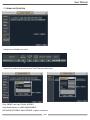
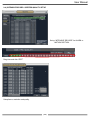
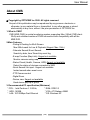
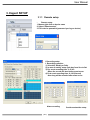
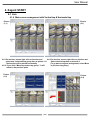
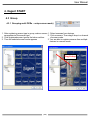
3. Click new group then Screen and Map appear as above
Mouse right click on “Screen” to register “screen type”
then click “Append”
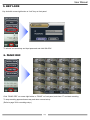
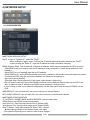
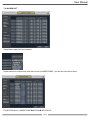
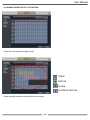
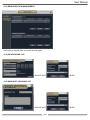
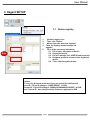
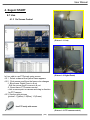
2. Fill in name and description of new group then click
“registry”
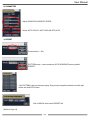
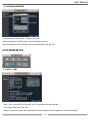
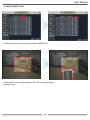
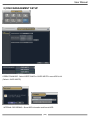
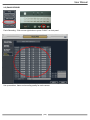
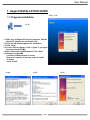
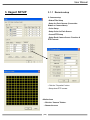
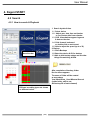
4. Fill in Name and description and select screen type
You can register unlimited number of screen type for
each group in the same way
( 58 )