1
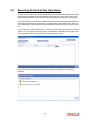
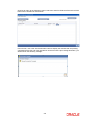
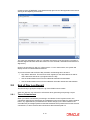
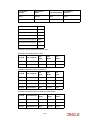
Click OK to return to the following screen in which the View Pre-EOD and Execute Pre-EOD
button will be enabled as shown below:
In this screen, click ‘View Pre Eod Results’ button to display the activities that are pending
completion before the end of day operations can be executed. Upon clicking this button, you
will be shown the following message:
2-8