1
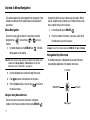
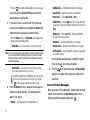
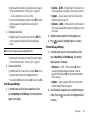
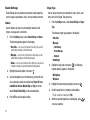
Left Soft Key
Some functions of the Left soft key (
) are as follows:
• In standby mode, press the Contacts soft key (
) to open the
Contacts Find screen.
• When the Left soft key function is Edit, press the Edit soft key (
) to
edit a Contacts entry.
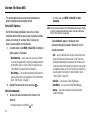
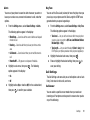
Right Soft Key
Some functions of the Right soft key ( ) are as follows:
• In standby mode, press the @metro soft key (
) to launch the
@metro screen.
• When the Right soft key function is Options, press the Options soft key
( ) and a pop-up menu appears.
• When the Right soft key function is Back, press the Back soft key
( ) to back up one menu level.
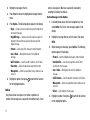
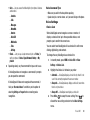
MENU/OK Key
• In standby mode, press the MENU/OK key ( ) to launch the Main
Menu.
• In a menu, press
to accept the highlighted selection.
• In camera mode, press
to take a photo or to create a Picture
message.
• When the MENU/OK key function is Edit, press the Edit key ( ) to
edit a Draft message.
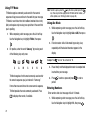
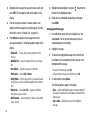
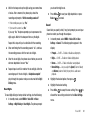
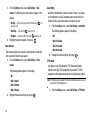
Send Key
The Send key (
) is used to answer calls, dial calls, and to
recall the last number(s) dialed, received, or missed.
• Press
once to answer calls.
• Enter a number and briefly press
to make a call.
• Briefly press
in standby mode to display a list of recent calls to
and from your phone.
• Press
twice in standby mode to call the most recent number.
• Press
to pick up a waiting call. Press
again to switch back to
the other call.
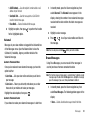
Clear Key
The CLR key (
) is used to erase or clear numbers, text, or
symbols from the display. You can also use the
key to return
to a previous menu or to return to standby mode from any menu.
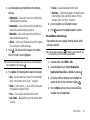
• If you enter an incorrect character, briefly press
to backspace
(and delete) the character.
• To erase the entire sentence, press and hold
.
• To back up one menu level, briefly press
.
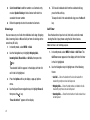
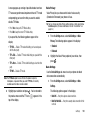
End Key
• Press and hold the End key
to turn your phone on or off.
• Briefly press
once to disconnect a call.
• Press
to return to standby mode from any menu, or to cancel the
last input.
Understanding Your Phone
12