1
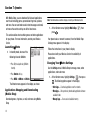
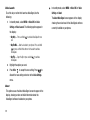
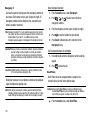
Managing Your Registered List
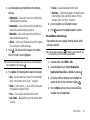
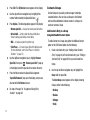
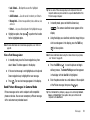
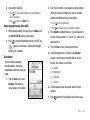
From the Registered List,
1.
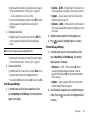
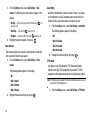
Highlight a device and press the Options soft key. The
following options appear in the display:
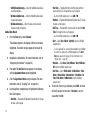
• Remove Device — Deletes the device from the Registered List.
• Rename Device — Lets you change or replace the device name,
as needed.
• Device Info — Shows the type of device, status, address, the date
when it was paired with your phone, and the date the device was
last connected with your phone.
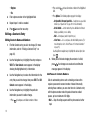
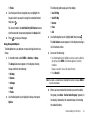
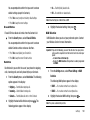
2. Highlight the desired option and press the
key to
access that option.
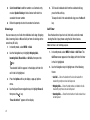
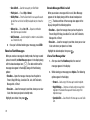
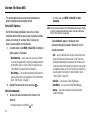
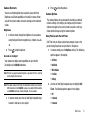
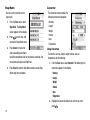
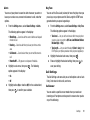
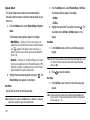
Bluetooth Settings
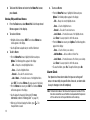
Enable/Disable
Supported Profiles
Lists the Bluetooth profiles your phone supports. Selecting a
profile shows a description of that profile.
Device Info
Shows the Bluetooth Type, Status, and Address of your phone.
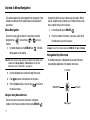
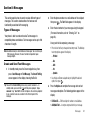
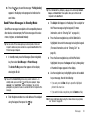
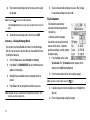
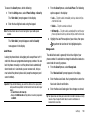
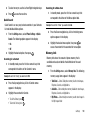
Calendar
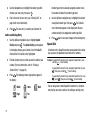
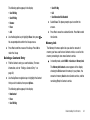
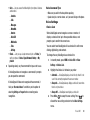
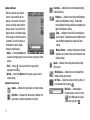
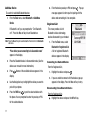
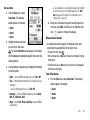
Calendar allows you to view the
current, past, or future month in
calendar format. While viewing the
calendar, the current date is
highlighted, and days with scheduled
events are surrounded by a box.
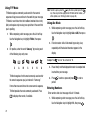
Navigating the Calendar
1.
Calendar.
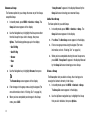
Selecting this option turns Bluetooth on or off. (For more
information, see “Turn Bluetooth On/Off” on page 80.)
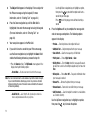
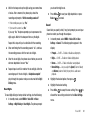
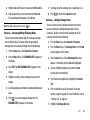
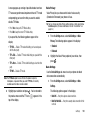
The calendar appears in the display with the current date
Discovery Mode
Allows other users to see your accessibility. Select On for other
devices to see your device, or Off for no visibility.
Device Name
From the Tools menu, select
highlighted. The month and year appear at the top of the
display.
2.
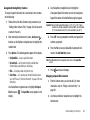
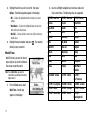
Use the following controls to highlight a date in the
Calendar screen:
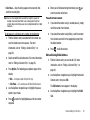
Shows the handset name. You may change this name. Enter the
text and press the
key.
Tools
82