1
2.
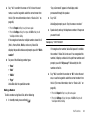
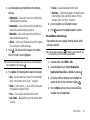
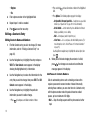
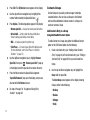
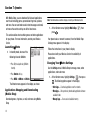
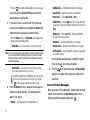
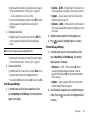
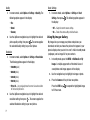
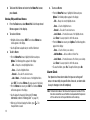
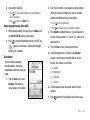
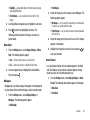
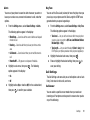
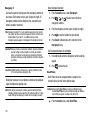
Highlight the Alarm you wish to turn off, then press
2.
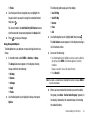
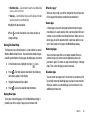
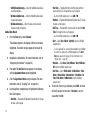
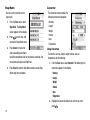
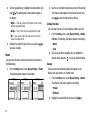
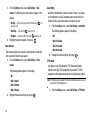
Options. The following options appear in the display:
• Off — Disables the highlighted Alarm and retains the current
settings.
• Reset Alarm — Disables the highlighted Alarm and resets the
Alarm settings to default values.
• Reset All — Disables all Alarms and resets all Alarm settings to
default values.
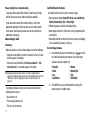
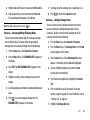
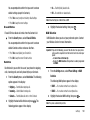
3. Highlight the desired option and press
. The selected
Alarm(s) is(are) turned off.
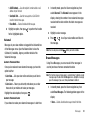
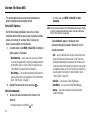
World Time
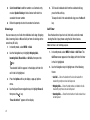
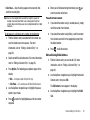
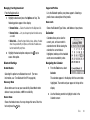
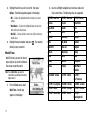
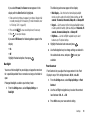
World Time lets you view the time of
day or night in any of the 24 different
time zones around the world.
Note: To use World Time, you need to
subscribe to your Wireless Provider’s
digital service.
1.
87
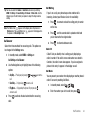
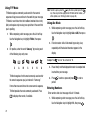
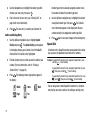
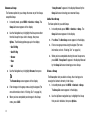
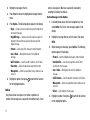
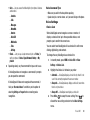
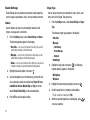
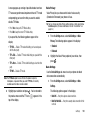
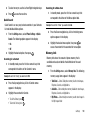
Use the Left/Right navigation keys to browse cities and
their current times. The following cities are supported.
EST/EDT : New York
EST/EDT : Montreal
EST/EDT : Boston
Caracas
Brasilia
Mid Atlantic
Cape Verde
London
Paris
Rome
Berlin
Athens
Helsinki
Jerusalem
Moscow
Baku
Abu Dhabi
Tashkent
New Delhi
Alma-ata
Bangkok
Jakarta
Hong Kong
Beijing
Seoul
Tokyo
Guam
Sydney
Okhotsk
Wellington
Samoa
Midway
HAST/HADT :
Honolulu
AKST/AKDT : Alaska
PST/PDT : Seattle
PST/PDT :
San Francisco
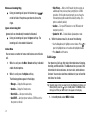
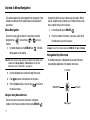
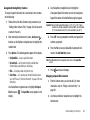
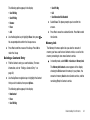
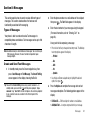
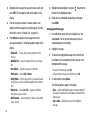
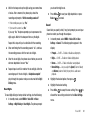
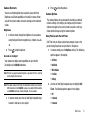
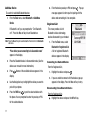
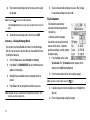
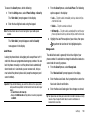
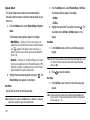
From the Tools menu, select
PST/PDT : Los Angeles MST/MDT : Denver
MST/MDT : Arizona
World Time. A world map
CST/CDT : Dallas
CST/CDT : Houston
appears in the display.
CST/CDT : Mexico City EST/EDT : Detroit
CST/CDT : Chicago
EST/EDT :
Washington D.C