1
Save Camera Layout
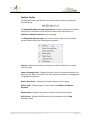
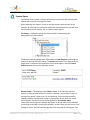
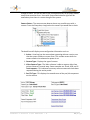
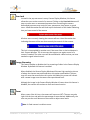
The Remote Console allows you to save and recall named layouts. When you
have the camera layout you want, click on the Save Camera Layout icon on the
main toolbar. If this layout is saved as Default, this layout will be displayed the
next time the Remote Console is loaded.
The Save Camera Layout feature saves a number of configuration settings that
have been set. Some properties that will be saved are: the position and size of
camera, panorama, SkyView and reports windows, the specific cameras
displayed in camera windows, the zoom level of SkyView and panorama
windows, and quality/frame rate settings.
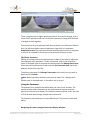
The Save Camera Layout can be used to quickly save a custom view or custom
settings. This feature can be used if you want to save a layout with very low
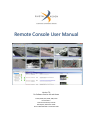
bandwidth usage and another with higher bandwidth usage. A sample default
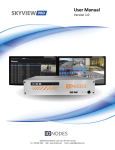
layout is shown on the front cover of this manual.
Note: For decreasing bandwidth, one of the configuration features of the
Remote Console is the ability to configure each of the Camera Display Windows
to refresh slower and to decrease the quality of the image. Keep in mind the
configuration on Portal Display Windows should be set to a higher quality and
frame rate than Held Display Windows because they switch between cameras
that are actively tracking motion. The rule of thumb is the smaller and slower the
image, the less required bandwidth.
Remote Console User Manual 7.0
14 | P a g e