1
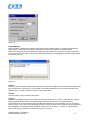
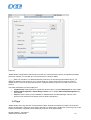
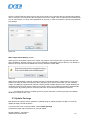
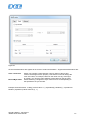
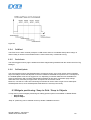
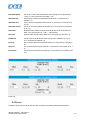
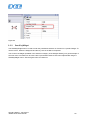
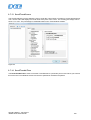
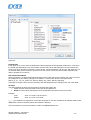
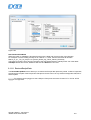
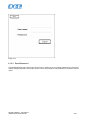
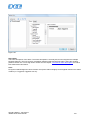
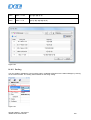
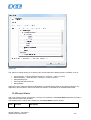
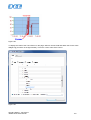
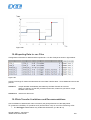
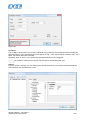
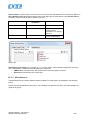
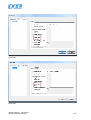
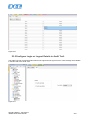
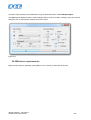
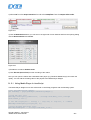
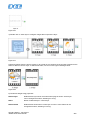
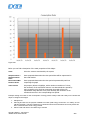
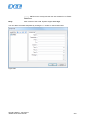
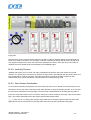
Figure 40
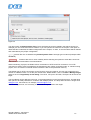
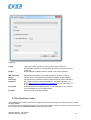
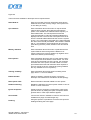
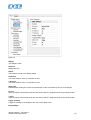
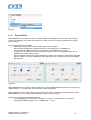
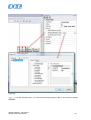
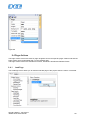
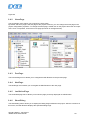
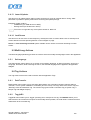
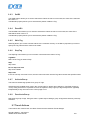
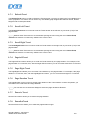
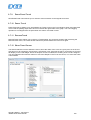
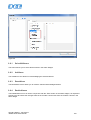
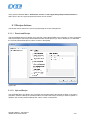
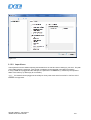
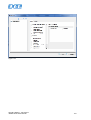
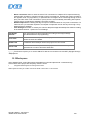
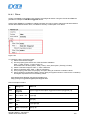
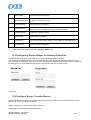
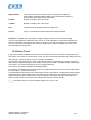
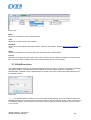
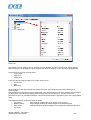
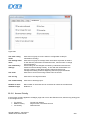
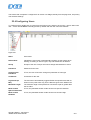
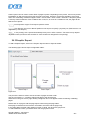
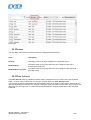
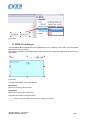
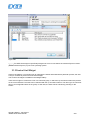
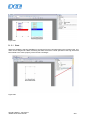
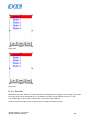
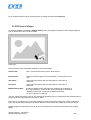
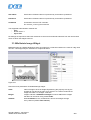
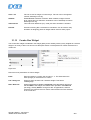
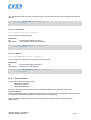
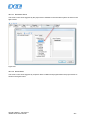
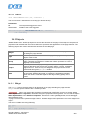
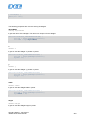
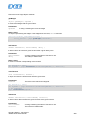
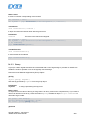
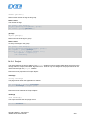
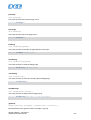
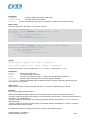
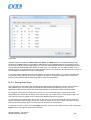
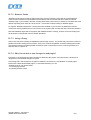
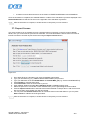
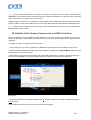
When defining Tag values, the Tag Editor also includes a field Simulator to select a method for simulating
the data. Tag values can be simulated in the following ways:
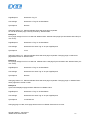
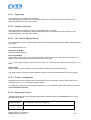
Variables
The data is stored in a variable in the simulator. This variable holds the
value of the Tag so the client can read and write to the Tag value.
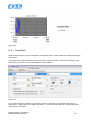
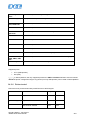
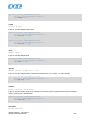
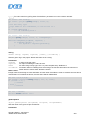
SawTooth
A count value is incremented from “Offset” to “Amplitude + Offset” value
with a “Period” of 60..3600 seconds. When the counter reaches
“Amplitude + Offset”, the value is reset to “Offset” and the counter
restarts.
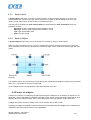
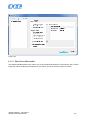
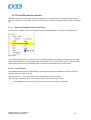
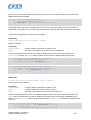
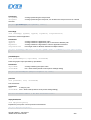
A sine wave value is generated and written to the Tag value. The Min,
Max and Period values of the Sine wave can be defined for each Tag.
Sine Wave
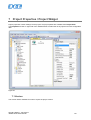
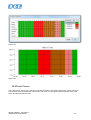
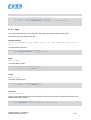
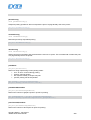
Triangle Wave
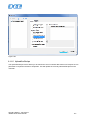
A triangle wave value is generated and written to the Tag value. The
Min, Max and Period values of the wave can be defined for each Tag.
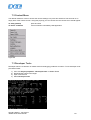
Square Wave
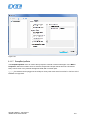
A square wave value is generated and written to the Tag value. The Min,
Max and Period values of the Sine wave can be defined for each Tag.
ptn0461-028.doc - 28.10.2014
JMobile Suite User Manual
49