1
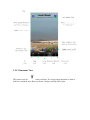
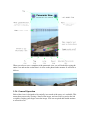
When you select to save a snapshot of the panoramic view you will indeed be saving the
entire view and not the section that is in view on the phone at the moment. It will look as
follows:
1.2.6 General Operation
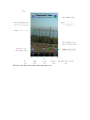
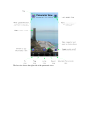
Each of the views is designed to fit vertically in as much of the space as is available. This
means that you are only viewing a 'band' of the image, and can scroll (or pan) to the left
or right by swiping your finger across the image. You can use pinch and stretch motions
to zoom out or in.