1
VSPS 2015
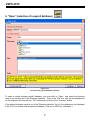
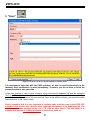
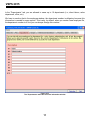
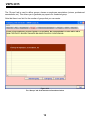
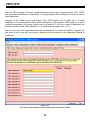
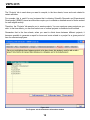
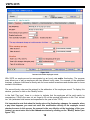
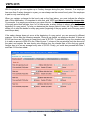
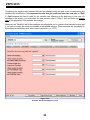
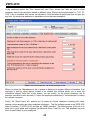
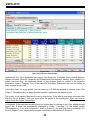
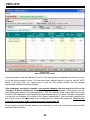
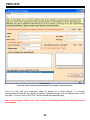
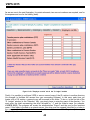
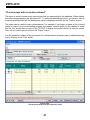
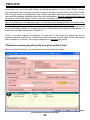
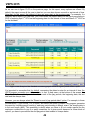
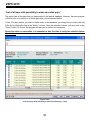
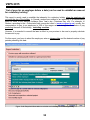
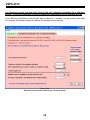
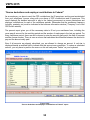
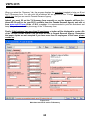
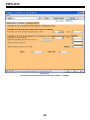
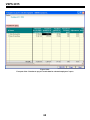
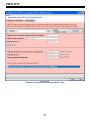
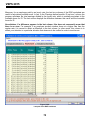
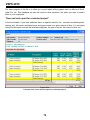
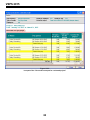
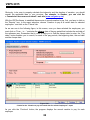
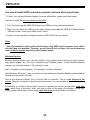
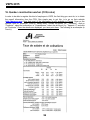
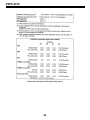
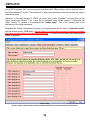
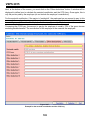
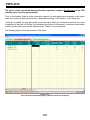
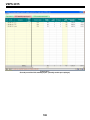
Figure 10.03:
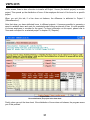
Other part of the time sheet window
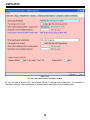
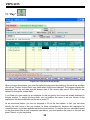
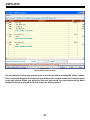
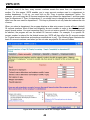
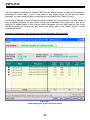
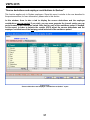
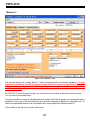
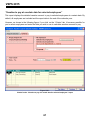
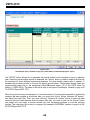
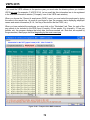
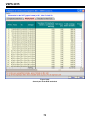
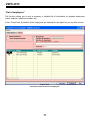
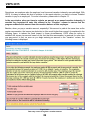
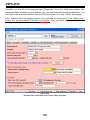
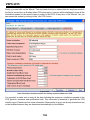
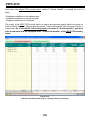
Furthermore, the “Hour distribution per project“ tab allows you to allocate hours worked between
different activities (Scientific Research and Experimental Development, training, hours related to a
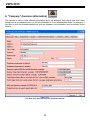
certain customer, etc). As mentioned before, all the projects must be created in the business
information screen (“Company“ icon of the main VSPS window). Remember that you can create as
many projects as you wish.
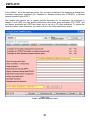
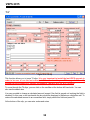
In the time sheet, for a pay period, you can select up to 5 different projects to allocate hours. The
Project 1 (“Miscellaneous“) is always present because it represents the default project.
This is why, in this section, there are 6 zones to enter hours. To be able to enter hours in a zone other
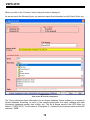
than the one for Project 1, first, you must select the project in the scrolling list. Then, you have to
reduce hours for Project 1 for this day.
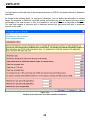
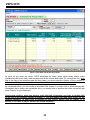
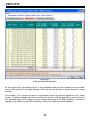
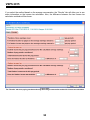
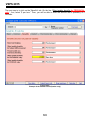
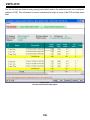
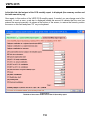
For example, if the employee worked 8 hours on a given day, by clicking on the “Hour distribution per
project“ tab, 8 hours are automatically displayed in Project 1 because it is the default project
(“Miscellaneous“). If you wish to attribute 3 hours to Project 2, you must first enter a maximum of 5
hours in Project 1 zone, otherwise the program will refuse to allocate time to Project 2.
30