1
RobotPy WPILib Documentation, Release master
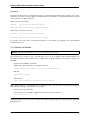
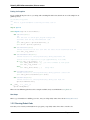
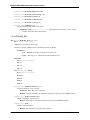
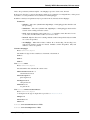
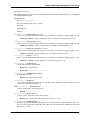
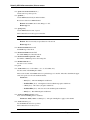
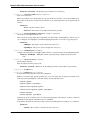
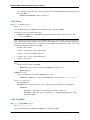
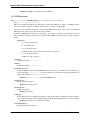
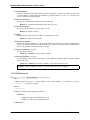
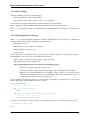
l_motor = wpilib.Talon(0)
r_motor = wpilib.Talon(1)
self.robot_drive = wpilib.RobotDrive(l_motor, r_motor)
Once you have one of these objects, it has various methods that you can use to control the robot via joystick, or you
can specify the control inputs manually.
See also:
Documentation for the wpilib.RobotDrive object, and the FIRST WPILib Programming Guide.
Robot Operating Modes (IterativeRobot)
During a competition, the robot transitions into various modes depending on the state of the game. During each mode,
functions on your robot class are called. The name of the function varies based on which mode the robot is in:
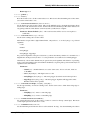
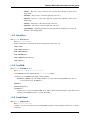
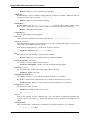
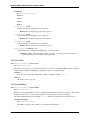
• disabledXXX - Called when robot is disabled
• autonomousXXX - Called when robot is in autonomous mode
• teleopXXX - Called when the robot is in teleoperated mode
• testXXX - Called when the robot is in test mode
Each mode has two functions associated with it. xxxInit is called when the robot first switches over to the mode, and
xxxPeriodic is called 50 times a second (approximately – it’s actually called as packets are received from the driver
station).
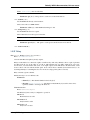
For example, a simple robot that just drives the robot using a single joystick might have a teleopPeriodic function that
looks like this:
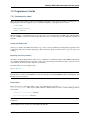
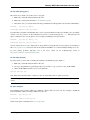
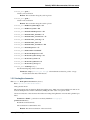
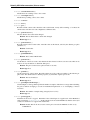
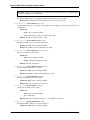
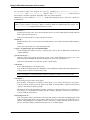
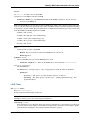
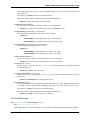
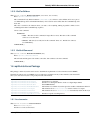
def teleopPeriodic(self):
self.robot_drive.arcadeDrive(self.stick)
This function gets called over and over again (about 50 times per second) while the robot remains in teleoperated
mode.
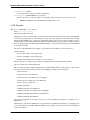
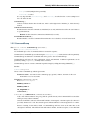
Warning: When using the IterativeRobot as your Robot class, you should avoid doing the following operations
in the xxxPeriodic functions or functions that have xxxPeriodic in the call stack:
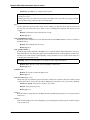
• Never use Timer.delay(), as you will momentarily lose control of your robot during the delay, and it
will not be as responsive.
• Avoid using loops, as unexpected conditions may cause you to lose control of your robot.
Main block
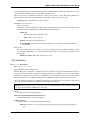
Languages such as Java require you to define a ‘static main’ function. In python, because every .py file is usable from
other python programs, you need to define a code block which checks for __main__. Inside your main block, you tell
WPILib to launch your robot’s code using the following invocation:
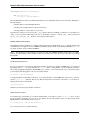
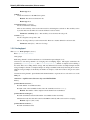
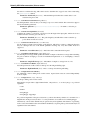
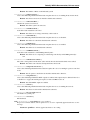
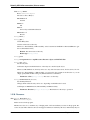
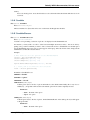
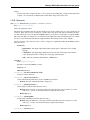
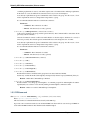
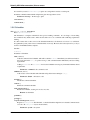
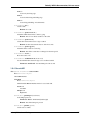
if __name__ == ’__main__’:
wpilib.run(MyRobot)
This simple invocation is sufficient for launching your robot code on the robot, and also provides access to various
RobotPy-enabled extensions that may be available for testing your robot code, such as pyfrc and robotpy-frcsim.
1.2. Programmer’s Guide
7