1
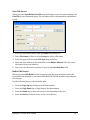
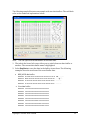
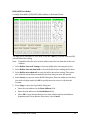
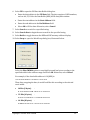
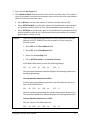
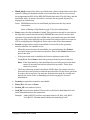
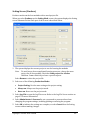
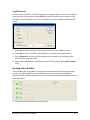
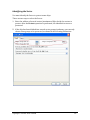
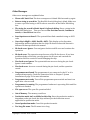
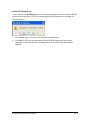
Save File Screen When you select Save Buffer into File from the Setting screen, the system displays the Save File screen, illustrated below. The red labels refer to the numbered explanations below. 1. Select the Data Buffer Name from the Buffer drop down list. 2. Enter File Name for Data or select Browse to select a file name. 3. Select the type of file from the File Type drop down list. 4. Enter the start address of the data buffer in the Buffer Address field. The saved data starts at the start address. 5. Enter the save data size in number of bytes in the Save Data Size field. Buffer Edit Screen When you select Edit Buffer on the Settings screen, the system displays either the Fuse Buffer Edit window or the Data Buffer (HEX/ASCII) Edit window, depending on the file type. Use the following keys to edit the buffer data: •
Press the Page Up key to Page up in the data window. •
Press the Page Down key to Page down in the data window. •
Press the Home key to move the cursor to the beginning of the line. •
Press the End key to move cursor to the end of the line. Superpro®5004GP User’s Guide 30