1
Section 2: Using the Network - Users
Layers
Holidays is a calendar that contains information that all other users would like to have.
If you would like to have these dates show on your calendar then you need to Layer it
over your own.
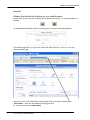
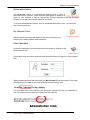
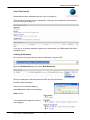
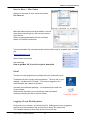
Go to Admin and select the Layers option from the Administrative tools.
Select Enable Layers
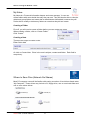
Then add a layer.
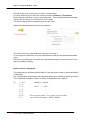
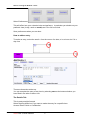
Make the source the calendar you want to have layered on to your own
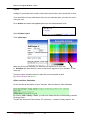
ie. Holidays and then select a colour for the text to appear on your calendar. In this
case red.
There are other calendars that you make like to have layered as well.
Eg. School Events and Sports
Other non-User Calendars
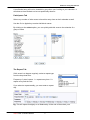
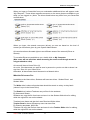
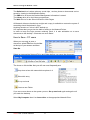
On the tool bar at the bottom of your calendar, there are links to other calendars.
By clicking Hall / Library / Pool you will have instant access to the booking calendar
for these areas.
The ICT link shows all of the schools ICT resources – cameras, Data projector etc..
Smart-Net 2.1 User’s Manual
10